Payment Terminals Explained: Types, Features, and How They Work
Introduction to payment terminals
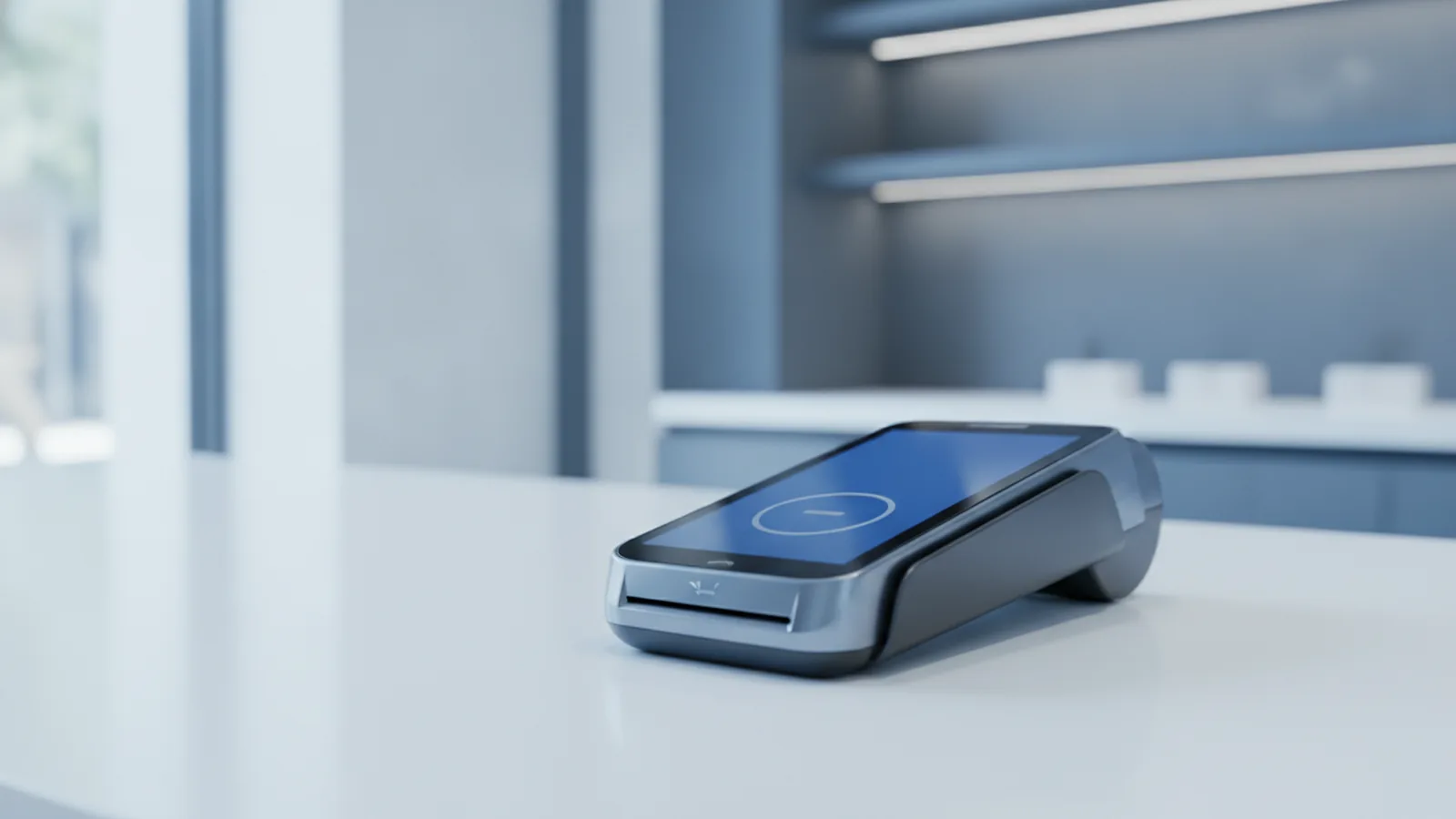
A payment terminal helps a shop take card payments. It enables electronic fund transfer. It also sends the sale for approval and final logging.
For customers, they tap or dip a card to pay. For merchants, it runs the payment flow. It links to merchant services and keeps sales data for reports.
Most terminals handle debit and credit cards. They also support EMV chip cards and contactless payment. Many also work as part of point of sale (POS) systems.
In this guide, you will learn terminal types and basic steps. You will also see the security controls that protect card data.
Types of payment terminals
Payment terminals come in forms that match your payment setup. The right choice depends on where you take payments. It also depends on who uses the device.
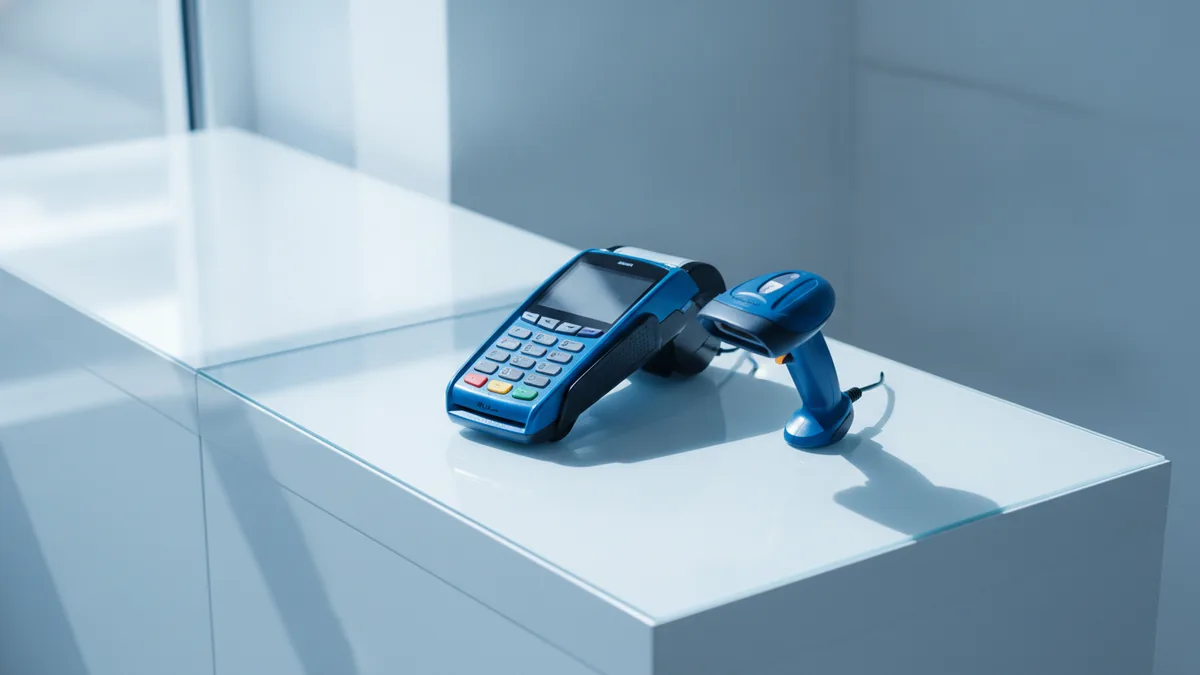
Common types are countertop, mobile, multilane, and unattended. Each type fits a different crowd and work style. Below are the most seen options.
- Countertop terminals: Fixed units at a till. They work well in stores and quick service spots.
- Mobile payment terminals: Handheld devices for staff. They help with payments at tables or on-site.
- Multilane terminals: A setup for many lanes. It targets high volume checkouts with steady throughput.
- Unattended terminals: Devices used with no staff present. They fit kiosks, parking, and self serve sites.
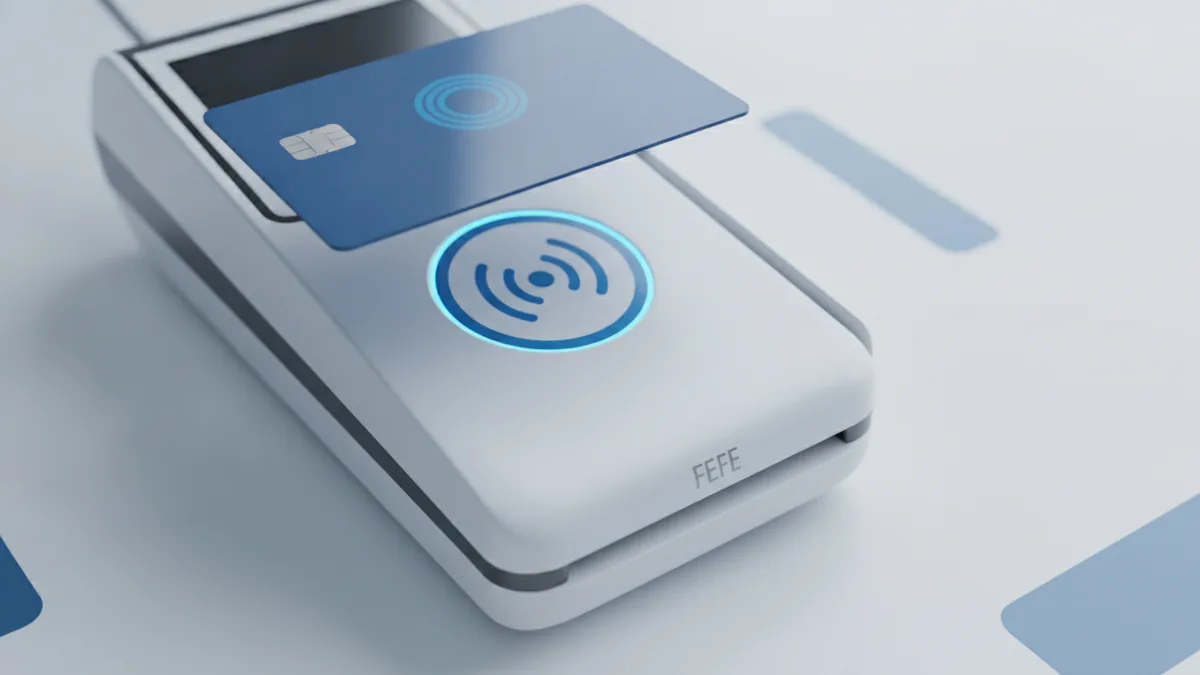
Many terminals support multiple payment methods. They can read EMV chip cards and contactless payment. Contactless uses NFC technology for a quick tap.
Some “electronic payment terminal” offers include the full stack. That can include the card reader and the terminal machine. It can also include the software that routes sale data.
For special sites, you may need a built for purpose setup. An ev charger with payment terminal is one example. It must work even when no staff are there.
How payment terminals work
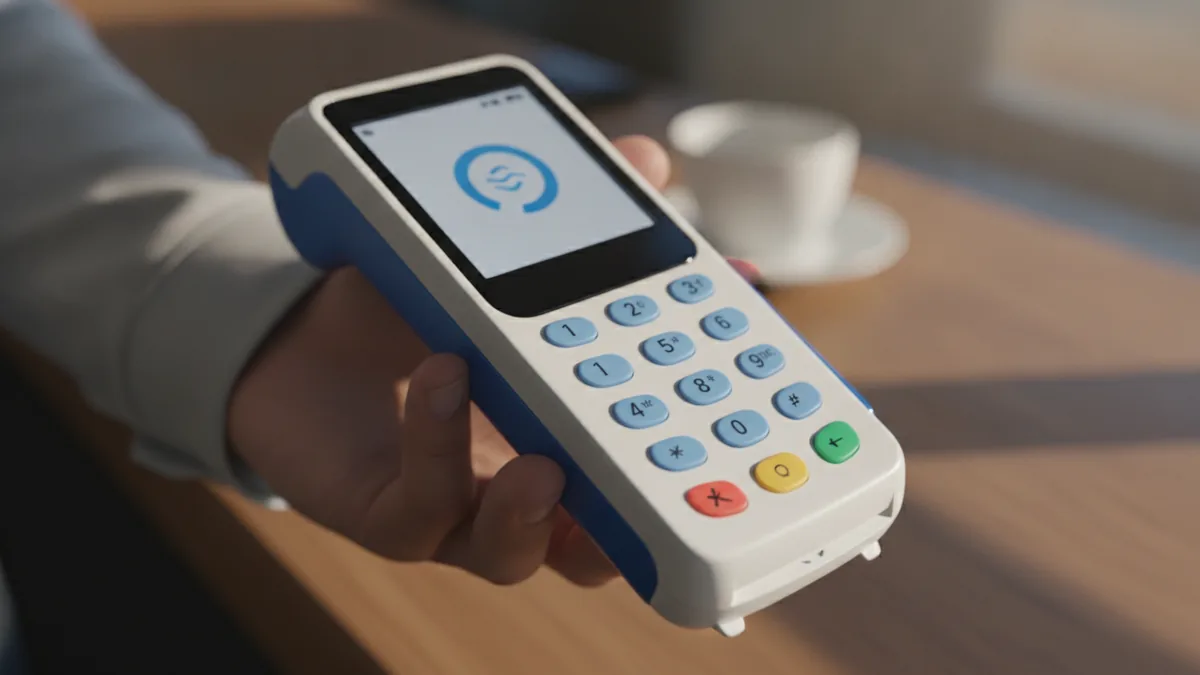
Payment starts when a card meets the terminal. The terminal then sends a request to approve the sale. It waits for a response, then shows the result.
For chip cards, the terminal reads the chip data. For contactless payment, the terminal reads a tap via NFC technology. In both cases, the terminal prepares a secure sale message.
Transaction processing then happens in the backend systems. A payment processor checks rules and available funds. It returns an approval or a decline code to the terminal.
After that, the terminal logs the sale for the merchant. It can print a receipt or send a digital receipt. This is where POS systems often help with clean sales totals.
Most terminals also need network access to send requests. They may use cellular, Wi-Fi, or Bluetooth. Good signal means faster approvals during rush hours.
What happens in a typical card sale
- Card tap or insert: The customer taps or inserts a card. They may also use a mobile wallet flow in some setups.
- Card reader capture: The card reader reads card data. The terminal builds a sale request.
- Secure send: The terminal protects data before sending. This uses strong security features in payment systems.
- Approval check: The processor checks the sale request. It applies risk rules and account checks.
- Result and receipt: The terminal shows approval or decline. It logs the result for later matching.
Key features of payment terminals
When you compare a payment terminal, look at fit first. Speed matters, but so does support and setup. Features should match your staff work and customer habits.
Modern terminals usually cover both chip and contactless payment. They also support EMV standards for chip reads. They use NFC technology for contactless taps.
Connectivity is a key feature too. Many devices support cellular, Wi-Fi, and Bluetooth. Your best pick depends on your site signal and floor layout.
Another feature is how well it fits your checkout flow. Many terminals link to POS systems for totals and receipts. This helps payment integration and reduces manual entry.
- EMV chip card support: The terminal reads chip cards safely. This lowers risk versus older swipe flows.
- Contactless via NFC technology: The terminal supports tap-to-pay. It can speed up queues at busy times.
- Multiple card types: It can accept common debit and credit brands. Your provider confirms what is available.
- Receipt support: It can print paper or store receipt data. Some send digital receipts too.
- Clear logs: Good transaction logs help with reconciliation. They reduce time spent on disputes.
- Durable build: Strong screens and cases help in daily use. This matters for mobile jobs.
If you run a service business, a mobile payment terminal can help. Staff take payments without walking customers to a counter. That can cut wait time and reduce lost sales.
If you run many lanes, multilane needs can matter. Consistent terminal behavior reduces support tickets.
Security and compliance considerations
Security is a must for every payment terminal. Card data is valuable to attackers. So the setup must protect data at every step.
One key rule set is PCI DSS. PCI DSS is the Payment Card Industry Data Security Standard. It sets how systems must handle card data safely.
Look for end-to-end encryption. This means the data stays protected while it travels. It lowers the chance of exposure during network hops.
Also check how the terminal handles keys. Keys control how data is protected and unlocked. Your provider should explain device and system key handling clearly.
For contactless payment, NFC behavior must be strict. The terminal should only accept valid payment taps. It should avoid any unsafe modes that expose raw data.
For the official PCI DSS source, see PCI Security Standards Council document library. It is the primary place for PCI rules and docs.
Choosing the right payment terminal
Pick a payment terminal by how you take payments each day. Then match the form, network, and payment methods. After that, confirm support terms and update habits.
First, choose the terminal type. Countertop fits many stores. A mobile payment terminal fits field staff and table service. Unattended terminals fit places where customers pay alone.
Next, choose a network path. Cellular can help when Wi-Fi is weak. Wi-Fi can work well in fixed shops. Bluetooth can link a terminal to a nearby unit, but range must be tested.
Then confirm payment methods. You should support EMV chip cards and contactless payment. If taps fail, you will see slow lines and fewer approvals.
- For a payment terminal for small business: choose easy setup and clear reports. Also choose stable connectivity.
- For online payment terminal setup: confirm how amounts flow from your checkout.
- For an ev charger payment system: plan for unattended mode and steady links.
Also ask about service and uptime. A payment terminal service provider should handle swaps fast. Some merchants start with payment terminal hire to cut upfront costs. If a device fails, you need a clear replacement plan.
Finally, check payment terminal integration with your POS systems. You want correct totals and fewer manual fixes. This helps transaction processing and speeds reconciliation.
Latest trends and innovations in payment terminals
Contactless payment is now the default for many customers. Terminals are built for fast NFC taps and clear prompts. That improves checkout speed and reduces friction at the counter.
Another trend is better link to mobile payment solutions. Some flows tie a sale to a phone app for quick receipt delivery. This can also support loyalty and service steps.
Remote device handling is also improving. Many providers can manage updates and settings from a hub. This reduces downtime across stores.
Terminals are also being tuned for tough settings. An ev charger with payment terminal must run in outdoor weather. It also must handle card issues and network drops with care.
To keep your setup current, track payment terminal news from trusted sources. Also ask your provider what changes are coming. This helps you plan device updates before rules shift.
A simple way to judge the best terminal for your needs
| Choice area | What to check | What you gain |
|---|---|---|
| Terminal type | Countertop vs mobile vs unattended | Fits your day-to-day workflow |
| Card support | EMV chip cards and contactless payment | Fewer declines and faster pay |
| Network link | Cellular, Wi-Fi, or Bluetooth | More approvals during peak time |
| Security fit | End-to-end encryption and PCI DSS | Lower risk for sensitive data |
| Checkout fit | POS link and payment integration | Cleaner data for matching |
Frequently asked questions
What is a payment terminal and what does it do?
A payment terminal helps a shop take card payments. It sends sale info for approval as part of electronic fund transfer. It also logs results for receipts and reports.
What is a mobile payment terminal used for?
A mobile payment terminal is a handheld unit for taking payments on-the-go. It fits small teams and service staff at tables or jobsites. It helps avoid walking customers to a till.
How does contactless payment work with a payment terminal?
Contactless payment uses NFC technology between the card and the terminal. The terminal reads the tap and sends the sale for approval. The result comes back on the screen fast.
What security features should I look for in payment terminal machines?
Look for end-to-end encryption to protect data in transit. Also confirm PCI DSS controls for safe card handling. A solid setup should explain how keys are kept safe.
What connectivity options do payment terminals use?
Many terminals support cellular, Wi-Fi, and Bluetooth. Your best option depends on signal quality and your POS setup. Test the area where you place the terminal.
How do I choose the best payment terminal for a small business?
Match the terminal type to your workflow first. Confirm EMV chip support and contactless payment. Then check connectivity stability, setup time, and POS payment integration.