Credit Card Payment Terminals: Types, Costs, and How to Choose
Introduction to credit card payment terminals
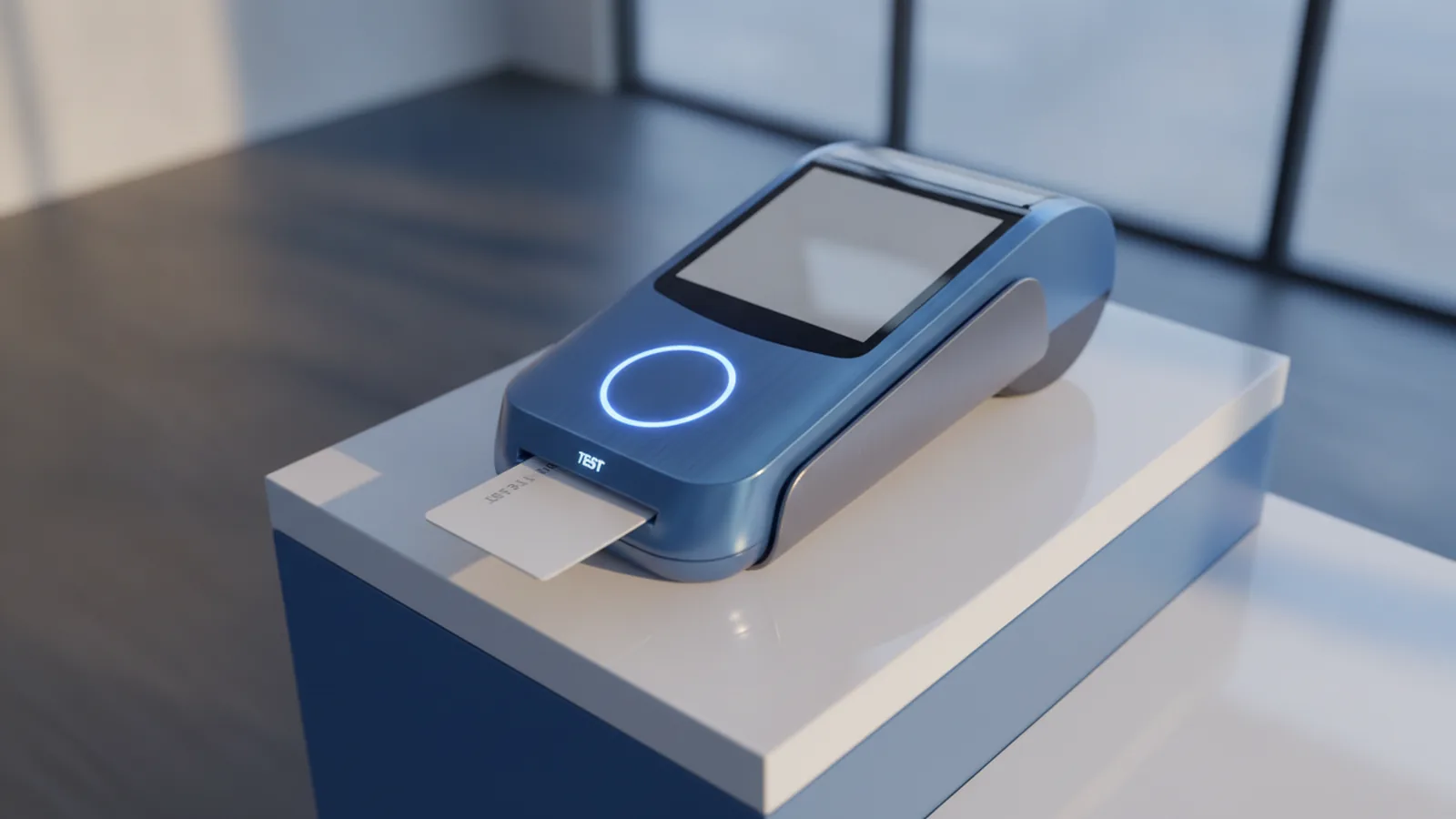
A credit card payment terminal helps you take card payments at checkout. It reads card details and sends them for approval. That lets your business accept electronic funds transfer with less manual work.
Your choice affects speed, sales, and trouble-free service. The best fit matches where you take payments and how customers pay. It also matches your point of sale (POS) setup.
This guide covers terminal types, how they work, and the security behind them. You will also learn what drives card payment terminal costs. Finally, you will see how to compare payment terminal providers with clear questions.
Types of payment terminals you will encounter
Terminal type depends on how staff work and where payments happen. Counter setups suit fast lanes with a fixed cashier. Table service needs mobility and a stable link to your network.
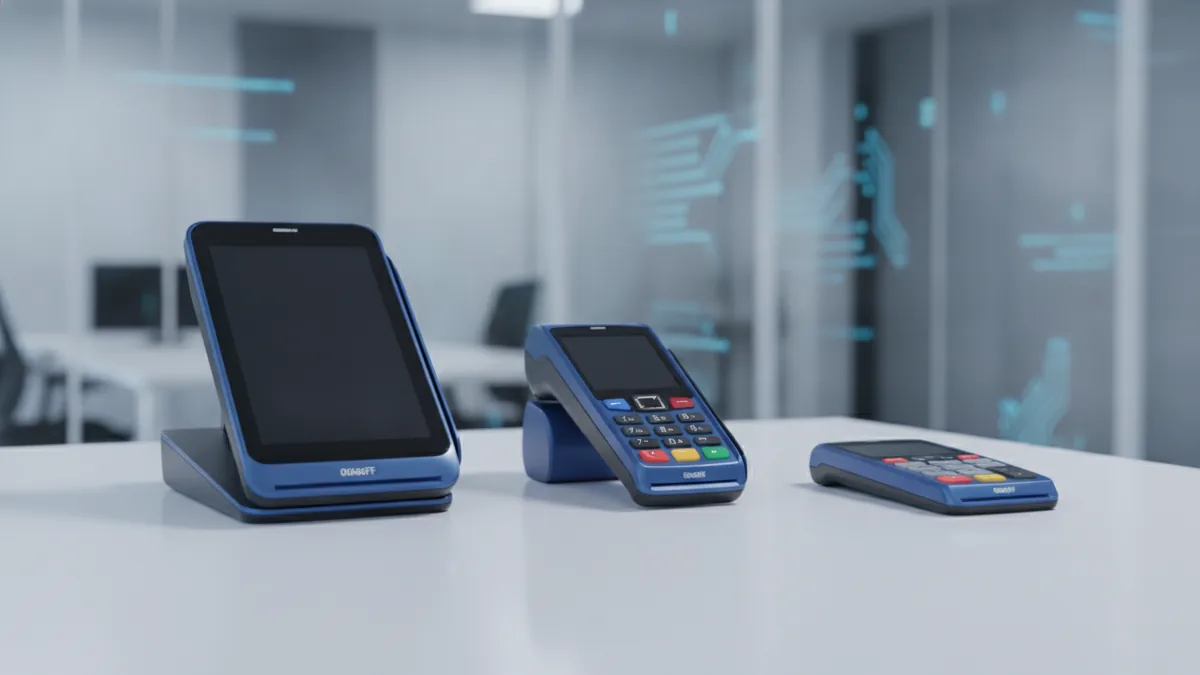
Here are common card payment terminal types and what they fit best.
- Countertop terminals: Fixed units on a counter near the cashier. They work well in shops and small offices.
- Wireless terminals: Portable units with cellular or Wi‑Fi links. They fit restaurants, salons, and on-site visits.
- PIN pads: Keypads used for PIN entry. They often sit next to a checkout screen.
- Multilane terminals: Tools built for busy sites with many lanes. They help manage many devices at once.
- Unattended or kiosk terminals: Devices meant for self-serve payment. They suit parking, rentals, and vending setups.
Some buyers call the whole setup “the terminal.” Others mean only the reader part. Always confirm what is included in the box.
Also check your POS needs. A terminal that must pair with your system may affect setup time and cost.
How payment terminals work under the hood
A card payment terminal captures payment data and sends it to get an approval. The process happens in seconds at the checkout moment. If settings are wrong, approvals can drop and queues grow.
When a customer pays, the terminal reads the card in one of several ways. It may use a chip, swipe, or a tap signal. The tap method uses contactless payments with NFC (near-field communication).
After reading, the terminal builds a payment request message. It then sends that message through a secure link to the payment network. The network answers with approval or decline.
Secure capture and transmission
Security matters at every step from the moment data is read. Many modern devices use end-to-end encryption. That means data is protected while it moves from the terminal outward.
Terminals also follow EMV standards. EMV standards set rules for chip card checks and dialog steps. When EMV is supported, chip payments tend to be more steady.
Ask providers what their device does for encryption. Ask also who handles device updates over time.
Common payment modes
- Chip payments: Uses the card chip for card-present checks.
- Swipe payments: Uses the magnetic stripe for older card formats.
- Tap payments: Uses NFC for contactless payments and quick checks.
- Wallet payments: Uses mobile payment solutions that send safe tokens.
If you serve both chip and tap users, you need smooth switching. The terminal should handle a tap, then a chip, without delays.
What to consider when choosing a card payment terminal
Choosing a terminal is about match. You must match your checkout flow, your traffic, and your tech setup. Then you match features and long-term support.
Here are the key factors to compare before you buy or rent. Use these items when you talk to card payment terminal providers.
1) Business type and checkout flow
Retail often needs a countertop unit with clear controls. Restaurants often need wireless units for table service. A kiosk fits sites with no staff at the moment of payment.
Think about staff movement. If staff walk to tables, a wired unit can slow service.
2) Transaction volume and peak times
High volume means steady performance during rush hours. It also means fast recovery when a device drops a link. You should ask how the provider handles outages and swaps.
Do not pick a cheap device that needs long resets. That can hurt sales and customer trust.
3) Needed features for today’s customers
Most customers expect contactless payments. They also expect mobile payment solutions to work without extra steps. Your terminal should support tap and chip with clear results.
Confirm which features are on by default. Some setups need a switch from the provider side.
4) Merchant services compatibility
Your terminal must fit your merchant services and payment processing setup. Some providers bundle everything. Others require you to connect to your own gateway and POS.
Check the connection path. You may use Ethernet, Wi‑Fi, or cellular for the link.
Also confirm that your POS can talk to the terminal. A mismatch can break receipts and reporting.
5) Security features you should require
Require basics, not vague promises. Your terminal should support EMV processing. It should also protect data using encryption methods like end-to-end encryption.
Ask who manages firmware updates. Ask also whether updates happen without long downtime.
- EMV support for chip card payments
- Encryption for data during transfer
- Fast update steps with low downtime
- Fraud help offered by the provider
Card payment terminal costs: buying vs renting
Card payment terminal costs can change a lot by type. They also change by support and extras. You should compare total cost over time, not only the sticker price.
Some merchants buy the device outright. Others choose card payment terminal rental. Rental can cut upfront cost and shift repair work to the provider.
Below are typical ranges you may see. Prices vary by brand, setup, and service plan.
| Terminal type | Purchase price range | Rental model |
|---|---|---|
| Countertop | $150 to $400 | Monthly fee with support |
| Wireless | $250 to $700 | Monthly fee with coverage |
| PIN pad add-on | $50 to $250 | Often in device bundles |
| Kiosk / unattended | $1,000 to $3,000+ | Managed plan with upkeep |
Rental deals often bundle tech help. They may also include device swaps and updates.
However, the monthly fee can rise with extra sites or lanes. So, model costs for 24 to 36 months.
What can change your total cost
- Activation fees: A one-time start fee can apply.
- Bundled gear: Receipt printers may cost extra.
- Link cost: Cellular can be included or billed.
- Support level: Faster help usually costs more.
A solid plan includes setup cost and the “what if” cost. What if a unit fails during your busiest week?
Top card payment terminal providers and what they offer
Payment terminal providers vary by scope. Some offer hardware and merchant services together. Others sell hardware that you must link to your own setup.
The “best” provider depends on your business needs. It depends on support speed and easy device changes.
When you compare providers, ask about real operations. Ask about swaps during downtime and updates without long stops. Ask for clear reporting on approvals and declines.
How to compare provider features
Ask how the terminal enables contactless payments. Ask how it supports mobile payment solutions. Also ask how they handle device and firmware changes.
For fraud risk, ask what tools they provide. You want rules that help block bad payments. You also want alerts that are easy to act on.
Provider types you may see
- All-in-one platforms: Hardware plus merchant account plus fraud tools.
- Hardware-first vendors: You integrate with your own merchant services.
- Processor-led programs: Tied to your processor and set monthly terms.
- Managed services firms: Focus on monitoring and multi-site rollout.
Do not only compare the device price. Compare total help and how fast issues get fixed.
If you want a fast way to judge EMV readiness, ask for proof of EMV chip support. Ask also how they handle encryption in transit.
Conclusion and recommendations
A good card payment terminal fits your checkout reality. Match it to where you take payments and how customers pay. Then match it to your POS and merchant services.
Prioritize security features in payment terminals. Look for EMV processing and encryption such as end-to-end encryption. Also confirm who owns updates and device health checks.
Finally, compare total card payment terminal costs over time. If you pick card payment terminal rental, model monthly fees plus setup. If you buy, model repairs and upgrade needs.
When you approach providers with clear needs, decisions get easier. You should leave with one plan that you can deploy fast.
Frequently asked questions
What is a credit card payment terminal and what does it do?
A credit card payment terminal is the checkout device that reads card data and sends it for authorization. It helps enable electronic funds transfer at the point of sale.
What types of card payment terminals are available?
Common types include countertop devices, wireless terminals, PIN pads, multilane setups, and unattended kiosk terminals. The best choice depends on your checkout flow and staffing.
How do payment terminals keep transactions secure?
Terminals typically support EMV processing and encrypt payment data during transmission. Many also use end-to-end encryption so sensitive data stays protected.
What are typical card payment terminal costs?
Costs vary by terminal type and bundled features. Countertop devices are usually the lowest priced, while kiosk or unattended terminals are often the most expensive.
Is card payment terminal rental better than buying?
Rental can reduce upfront spending and may include support and replacements. Buying can be cheaper over time if you keep devices long and service them reliably.
How do I choose between payment terminal providers?
Compare device support, encryption and EMV readiness, and how well each provider integrates with your POS. Also ask about uptime support and the process for hardware swaps.