Payment POS Terminals: How They Work and Which One to Choose
Understanding Payment POS Terminals
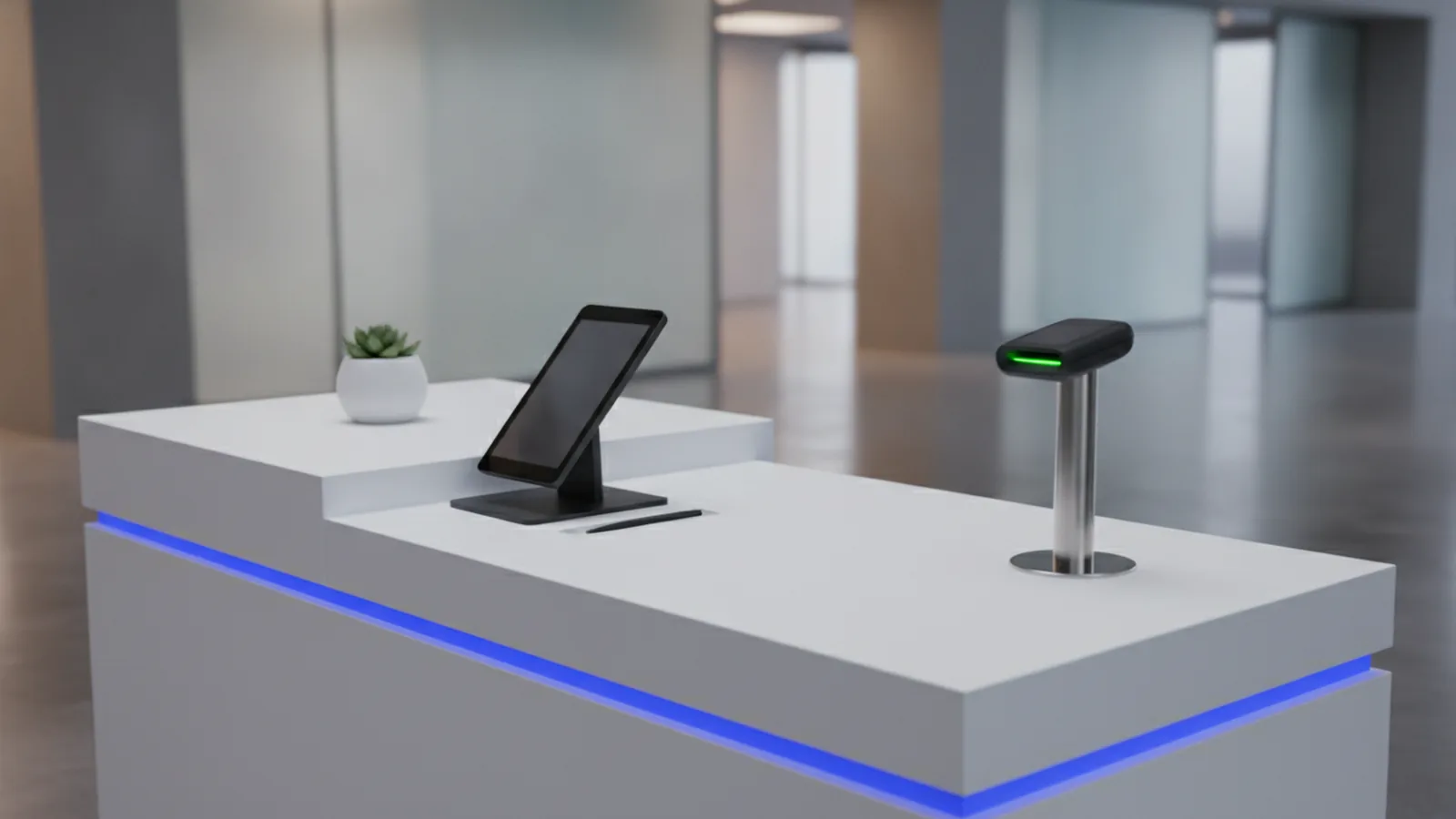
A payment POS terminal helps a store take payments and run checkout fast. It combines a device and a checkout app to handle each sale. It also keeps a record of what you sold and what the customer paid.
For pos machine payment, the terminal connects to a payments system. That system checks the payment and sends back an approve or decline result.
Most units support more than card swipes. Many support cash steps too, plus contactless taps and mobile wallet use. A mobile payment POS setup lets staff take payments away from the counter.
- Hardware: screen, card reader, keypad, and receipt tools
- Software: checkout screens, sales logs, and device settings
- Network: internet link to the payment system
How Payment POS Terminals Work
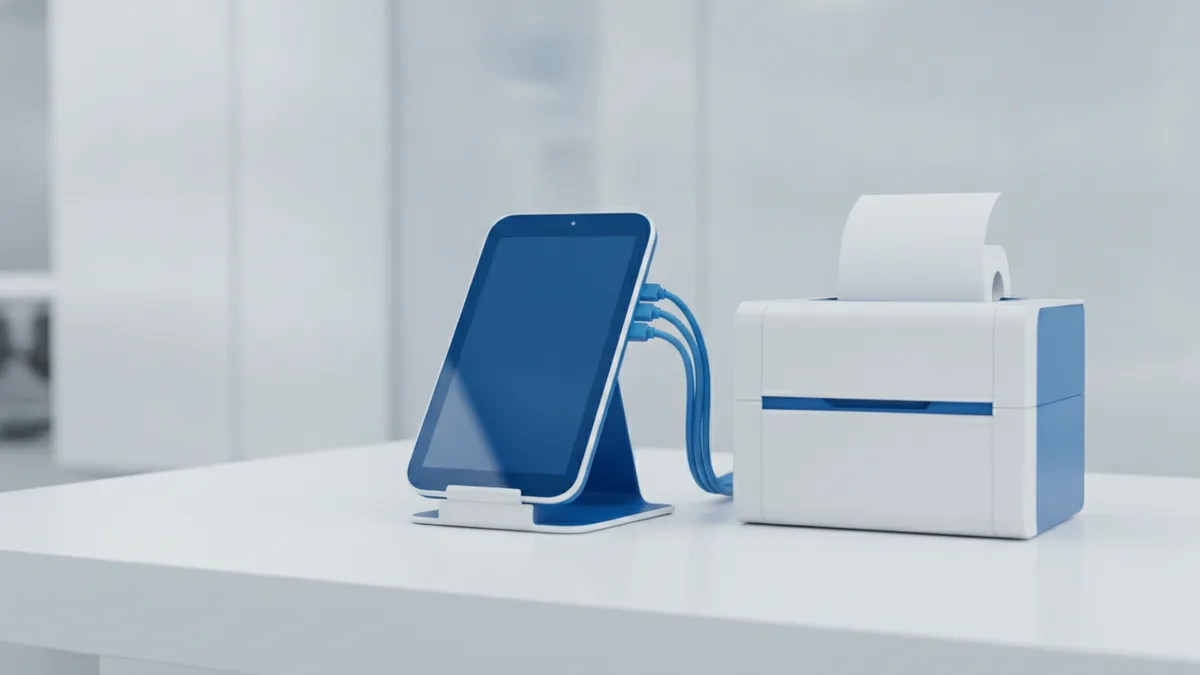
A POS terminal follows a simple flow for every sale. First, staff pick items and confirm the total in the POS app. Then the terminal asks for the payment method.
Next, the terminal reads the card or checks the contactless tap. It can also handle mobile wallet steps on a supported setup.
Then the terminal sends a payment request for approval. It waits for a response from the payments network.
- Build the sale: scan items and confirm the total
- Take payment: tap, dip, swipe, or pay by phone
- Request approval: send the payment details to the network
- Get the result: approval saves the sale and prints a receipt
- Sync later: reports and stock updates may run after
After approval, the POS writes a receipt and updates totals. If you connect inventory tools, stock counts can change right away. If you use multi store rules, reports can group sales by site.
This is why POS terminals help with transaction processing. They reduce manual steps and speed up checkout.
Types of Payment POS Terminals
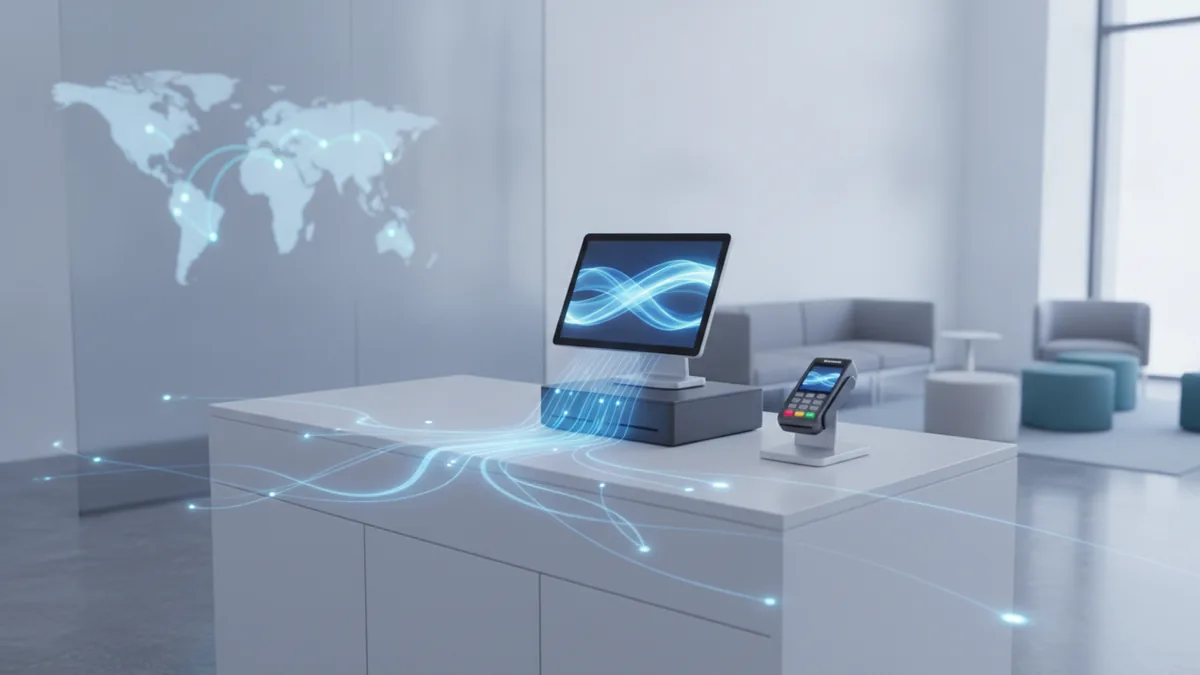
Different businesses need different kinds of payment POS. The big split is where the checkout software runs and how people use the device.
Traditional counter terminals sit at a fixed checkout point. They fit retail shops and busy service desks with clear checkout lanes.
Mobile terminals support payments away from the counter. A mobile payment POS often pairs a small reader with a phone or tablet.
Cloud based POS stores sales data on remote servers. This helps when you run multiple sites or need easy updates. It can also help unify reports across your business.
Self service kiosks let buyers pay without staff help. These can handle contactless taps and card use right on screen.
| Type | Best fit | How it looks |
|---|---|---|
| Counter POS | Stores with set checkout | Terminal at the register |
| Mobile POS | Dining, events, and on site sales | Reader plus phone or tablet |
| Cloud POS | Multi site reporting | Local terminals with cloud tools |
| Kiosk POS | Fast buyer lines | Stand alone touch kiosk |
For contactless payment POS, test real tap speed. Some setups feel slower if they need extra steps at checkout.
Key Features of Modern POS Terminals
A good payment pos machine does more than take money. It helps staff move fast and helps your team keep clean data. That starts with strong built in sales tools.
Inventory management is a core feature for many stores. It links item sales to stock counts, so you avoid selling what you cannot fill. You can also spot low stock before it hurts sales.
Customer tools can also matter. For example, some POS systems offer customer loyalty tools. These can track points and help apply offers at checkout.
Many modern terminals include analytics for business insights. You can view sales by hour, day, or item. You can also compare what sells best across sites.
- Inventory management: stock counts, item lists, and low stock alerts
- Customer loyalty tools: points, coupons, and saved buyer info
- Analytics: sales trends, top items, and time based data
- User friendly screens: clear buttons and fast item search
- Easy add ons: receipt tools and other checkout peripherals
- Links to other tools: accounting files and online order sync
If you rely on mobile payment POS, check mobile wallet integration. Also check how the app handles weak signal spots. The goal is steady approvals in real store conditions.
Some systems also include fraud detection tools. These help flag odd patterns during payment approval.
Benefits of Using a Payment POS Terminal
A payment POS terminal improves speed and reduces checkout mistakes. Staff follow one set flow for each sale. That cuts down wrong totals and missing receipts.
It also boosts accuracy for records. When the POS ties items to a price list, you avoid many manual entry errors. Receipts then match what the buyer paid.
Checkout can get faster with better input tools. Barcode scan and smart search save seconds per order. Over a full day, those seconds add up.
POS data also supports smarter choices. You can see which items sell, when they sell, and where. You can use that data to plan stock and set staffing.
- Higher speed: fewer steps at checkout
- Fewer errors: less wrong pricing and wrong counts
- Clearer reports: business insights for day to day work
- Multi channel sales: one view of sales from more than one channel
If you grow later, cloud POS can help you scale. Adding a new shop can feel like a repeat setup. That reduces rework and keeps rules consistent.
Security Considerations in POS Transactions
POS security protects payment data end to end. A POS terminal handles card data and must keep it safe. Good systems reduce risk during send and store steps.
Two key ideas are data encryption and tokenization. Encryption scrambles data while it travels. Tokenization replaces card data with a safe stand in.
You should also check staff access rules. Role based access control helps limit who can change prices or grant refunds. Audit logs also help you track what each user did.
Fraud detection tools can help spot strange payment patterns. They may flag unusual sums or odd purchase timing. This helps lower avoidable charge issues.
Most POS risk comes from messy human steps, not just bad code.
Ask how updates work for your POS device and app. Updates should roll out fast. Support should help if a device goes down during service.
Choosing the Right Payment POS Terminal for Your Business
Pick a POS terminal based on your real checkout workflow. Start with what your staff needs during busy hours. Then match features, cost, and future growth.
First, review your payment mix. If you expect lots of contactless taps, test tap steps with customers. If you use a mobile payment POS plan, check how the app works with phone readers.
Next, match tools to your operations. If you must keep stock exact, choose strong inventory management. If repeat sales matter, pick customer loyalty tools that staff can use easily.
Then review cost and what you get. Some deals include hardware only. Others include support and software updates. Know the full cost over time.
Finally, plan for scale. If you may add sites, you want simple setup and shared reports. Cloud based solutions can help you keep data rules consistent across branches.
- Map your checkout: counter or mobile or kiosk, plus your payment methods
- Pick the needed features: stock, loyalty, and analytics
- Check your links: accounting and online order sync
- Verify security: encryption, token use, and user roles
- Plan for growth: add sites without big rework
If you compare vendors, run a short pilot if you can. Test speed during a rush. Test both contactless tap and mobile wallet payment flow. Make sure reports look right for your team.
Frequently asked questions
What does a payment POS terminal do for a business?
It records sales, takes card and other payments, and runs approval checks. It can also update stock and build receipts and reports.
What payments can a modern payment POS terminal accept?
Most accept card payments and <em>contactless</em> taps. Many also support cash steps and mobile wallet use.
What is the difference between a mobile payment POS and a traditional POS?
A mobile payment POS lets staff take payments away from the counter. A traditional POS stays at a fixed checkout point.
What features should I expect from a payment pos machine?
Expect inventory management, analytics, and user friendly screens. Many systems also offer customer loyalty tools for repeat buyers.
How do POS terminals protect payment data?
They use data encryption to protect data in travel. They also use tokenization to reduce exposure risk, plus access rules.
How do I choose the right POS terminal for my store?
Match the terminal type to your checkout flow. Then confirm payment support, key features, security controls, and scale for more locations.