Best Free Payment Processing Options for Your Business

Free payment processing: what it is and what you actually get
Free payment processing lets you take payments without paying a monthly fee. You usually pay per sale instead. These costs are often called transaction fees.
“Free” often means no setup fee and no monthly charge for the base plan. You may still need account setup steps. Many services also require a merchant account to move money.
Before you pick best free payment processors, list your sales types. In-store sales need one workflow. Online sales need another workflow.
- No monthly fee on the starter plan
- Transaction fees per payment
- Extra fees for refunds or disputes
- Different support for cards and digital wallets
Quick check: your total cost is fees plus time. Fees are not the only factor.

Why businesses like free payment processors
Free payment processing helps new shops launch with less risk. You test your pricing and checkout before you grow. Cash stays available during slow months.
Many free payment services also bundle basic tools. You get payment links, simple reports, and basic payouts. This reduces the number of tools you must manage.
For busy teams, speed matters. Some free payment processing apps let you start fast with a card reader. Others let you start fast with a checkout link.
You can also change your plan later if sales grow. That path keeps your first year lean. Then you upgrade if you need more control.
- Lower upfront cost for small teams
- Faster launch for in-store and online sales
- One place for payments and simple reports
- Security features that help block common fraud
Top free payment processing software and apps to consider
Here are popular services that often offer free start plans. Pricing can vary by country and payment type. Always check the fee table for your exact path.
Square is well known for in-store payments. It supports card readers and simple online checkout. Many sellers like it because hardware and software fit together.
PayPal is widely used for online checkouts. It also supports digital wallets through one click. Many buyers feel safe using a familiar brand.
Stripe is common for online stores. It offers hosted checkouts and payment tools. If you build custom flows, Stripe is often flexible.
Shopify Payments can fit merchants on Shopify. It can keep checkout and sales reports in one place. For Shopify shops, it may feel like the simplest path.
| Provider | Best fit | Where it works well | Watch this |
|---|---|---|---|
| Square | In-person retail and pop-ups | Card tap, swipes, and online checkout | Any reader or plan add-on costs |
| PayPal | Online sales with wallet users | Online payments and wallet checkout | Fees for each payment type |
| Stripe | Online stores needing control | Hosted checkout and payment tools | Extra fees for special options |
| Shopify Payments | Shops already on Shopify | Shopify checkout and basic tools | Limits tied to your shop plan |
Pick based on your path, not just brand names. Your channels decide the best fit.
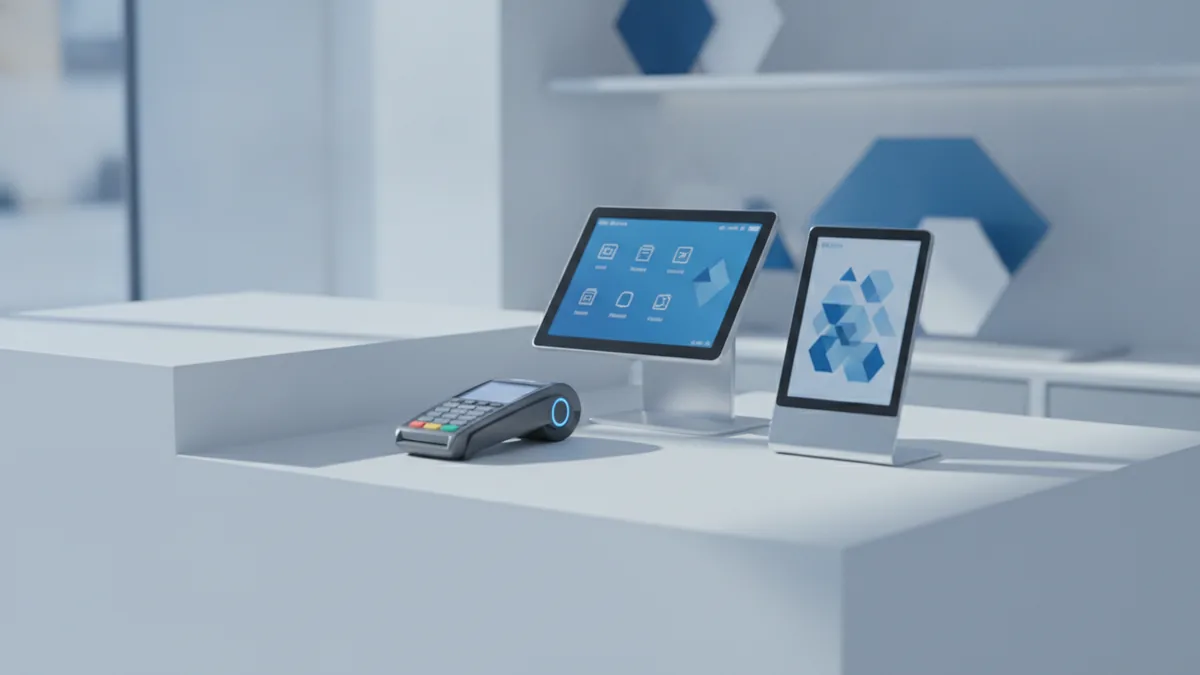
Free payment services: a practical comparison of key features
To compare free payment processors, look at the parts you feel every week. The cheapest transaction fee can be a bad deal. Refund work and payout timing can flip the result.
Start with these areas. They shape cost and daily ops. Then add payment methods your customers use.
| Feature to compare | Why it matters | What free plans often cover |
|---|---|---|
| Monthly fee | Protects your cash flow | Often none, but confirm in terms |
| Transaction fees | Drives your main cost | Fees per payment |
| Refund and dispute fees | Hits your margin later | May be extra or separate |
| Payout speed | Affects what you can pay next | Standard payout windows vary |
| Payment methods | Reduces checkout drop | Cards plus some digital wallets |
| Reports and export | Helps book work stay clean | Basic dashboards and exports |
Next, check security tools. Many services block basic fraud. But strong fraud checks may require extra steps.
- In-store: test the card reader setup
- Online: test checkout with real devices
- Subscriptions: check recurring billing support
- Global buyers: check currency and fees
Do not assume “free” means “no limits.” Limits show up in payouts and disputes.
How to choose the right free payment solution for your business
The right free payment processing software depends on how you sell. It also depends on how you handle returns. The best choice is not the same for every shop.
First, list your payment channels. In-store credit card processing differs from eCommerce solutions. Mobile payments also add their own steps.
Second, estimate your monthly sale count. Use your average order size too. Then compare transaction fees for your main payment type.
Online fees can differ from in-person fees. Refunds can also add costs. You should model your real totals before signing.
Third, check day-to-day workflow fit. Look at payout timing, report clarity, and refund clicks. This can save hours during reconciliation.
Finally, do tests before you go live. Run small test payments. Then test a refund path that matches your real policy.
- Pick channels: in-store, online, mobile, or mix
- Estimate volume and average order size
- Compare transaction fees and refund costs
- Confirm wallet support and recurring needs
- Test payouts, reports, and refunds in trial mode
If you need a merchant account setup plus a gateway, confirm the bundle. Some free payment services include both. Others require separate steps.
Tips to keep payment processing efficient with free payment apps
Free payment processing apps work best when setup is clean. Align product prices and tax rules with your checkout. Clear totals reduce customer confusion and disputes.
Train your team on refunds and receipts. A fast, correct refund path lowers chargebacks. Also check that emails or receipts reach the right buyer.
Watch your payment success rate. If approvals drop, checkout settings may be the cause. Sometimes adding a digital wallet option helps.
Keep your records tidy from day one. Reconciliation is easier when you review reports weekly. If the app offers exports, use them on a set schedule.
- Keep SKUs and prices consistent across your site
- Test refunds before you sell at full volume
- Track failures and try the fixes you can control
- Export reports weekly to reduce book errors
Potential downsides and limits of free payment processing
“Free” does not mean “no cost.” Most providers earn money through transaction fees. Some also charge for refunds, disputes, or slower payouts.
A second downside is fewer advanced tools. Basic fraud checks may be included. More guard rails can cost extra later.
Some services also place payout holds. Holds may happen during onboarding or risk checks. This can hurt cash when you need daily funds.
Chargebacks can cost real money too. Even with a good app, you may face manual review time. That can slow your operations.
Last, free payment processing apps may not fit complex workflows. Multi-location and custom billing can outgrow starter plans. You may then need a stronger setup or paid software.
If you want a simple way to compare, total your monthly costs. Include fees for refunds and disputes, not just per-sale fees.
Tip: compare total monthly cost, not only “no monthly fee.”
Many teams start free, measure results, and then upgrade. That approach keeps your launch cost low. It also helps you buy only what you need.
Frequently asked questions
What does free payment processing mean for a business?
It usually means no monthly platform fee to accept payments. You still pay transaction fees per payment, and refunds or disputes can add costs.
Do free payment processing services require a merchant account?
Many require account setup before you can take payments. Some providers bundle the merchant account with their gateway, but you must still finish onboarding.
Are transaction fees the same for every payment type?
No. Fees often change by card type and by channel, like online versus in-store. Mobile payments and wallet payments can also have different rates.
Which are the best free payment processors for small businesses?
Square is strong for in-store sales. PayPal is common for online checkouts. Stripe or Shopify Payments can fit many eCommerce solutions depending on your setup.
What are common limitations of free payment processing apps?
You may see payout holds, fewer advanced tools, or higher per-sale fees. If you need complex billing rules, you could outgrow a starter plan.
How do I choose the right free payment processing software?
Start with your payment channels and expected volume. Then compare transaction fees plus refund and dispute costs. Test payouts and refunds before you run real orders.