Payment Processing Software: Features, Types, and Best Options

What payment processing software is (and what it does)
Payment processing software helps you take money online or in person. It runs the steps between a buyer and your seller account. It also logs results so you can see what happened.
Most tools support electronic payment processing across many payment types. They help you accept cards and bank transfers. They also help you track orders, fees, and payouts.
A payment gateway is part of many systems. It checks and routes each payment request. A merchant services setup lets your business accept payments.
These parts work together as one workflow engine. That makes daily work easier for finance and ops teams. It also reduces lost sales from failed checkouts.

How payment processing works, step by step
A buyer starts the flow by paying at checkout or at a counter. The system then sends the payment to the next step for review. That step checks risk, rules, and available funds.
After approval, the system saves the result and confirms the sale. Then it can trigger your next actions, like shipping or a receipt. Later, it matches the sale to payouts for your books.
Here is a clear view of a card-style flow in most online payment processing software.
- Auth check: The payment is sent for approval. The system stores the payment ID and status.
- Capture: If auth is approved, the sale is finalized. Many systems capture right away.
- Settlement: Funds move toward your account over time. Timing can vary by provider and region.
- Reconcile: The system matches payouts to orders. It also records fees per sale.
- Refunds and disputes: The system tracks returns and chargebacks. It helps you pull proof for each case.
For ACH payment processing, the steps differ in timing. You still get a clear status log either way. It keeps your money records consistent.
It also helps during audits. You can trace every payment event. That saves time and avoids confusion.

Benefits of using payment processing software
Payment processing software cuts manual work during busy days. It automates matching sales to payouts and fees. That reduces spreadsheet cleanup after settlement.
It also improves security. Many tools use tokenization to avoid storing raw card data. They also watch for bad patterns and odd repeats.
Customer experience in payments often gets better too. When errors happen, messages can be clearer. That helps buyers retry instead of leaving.
Another win is faster setup. Many payment processing solutions connect to common tools quickly. You can launch with less custom code.
Here are benefits you can track with numbers.
- Fewer failed payments: Better routing and retry logic can reduce declines.
- Lower ops time: Reconciliation tasks take less time per order.
- Better reports: You get clean logs for finance and support.
- Lower fraud losses: Rules and checks can stop risky payments early.
When your data is clean, teams act fast. Support can answer questions with fewer back-and-forths.

Types of payment processing software for different needs
Payment processing software solutions come in several shapes. Your job is to pick one that fits your sales path. That includes your checkout, your POS flow, and your billing needs.
Online payment processing software is built for web and app checkouts. It often uses APIs and webhooks to sync results. It can also support saved cards and recurring charges.
In-person tools focus on POS work. They support card-present payments and receipts. Some also work in low-connectivity spots.
Some systems focus on bank rails. They support ACH payment processing and bank-to-bank moves. They may also handle direct debit use cases.
For teams with special needs, you may want custom builds. Payment processing software for banks often needs stronger controls and reporting.
Common types you will see:
- Hosted checkout: You embed a secure payment page.
- API-led build: You build your own checkout flow with APIs.
- POS-linked stack: You connect payments to retail or event gear.
- Bank-focused platform: You need deep controls and bank-grade logs.
- Risk tools: You add fraud checks to your payment flow.
Match the type to your workflow. Then match the features to your risk level. That is where most projects win.
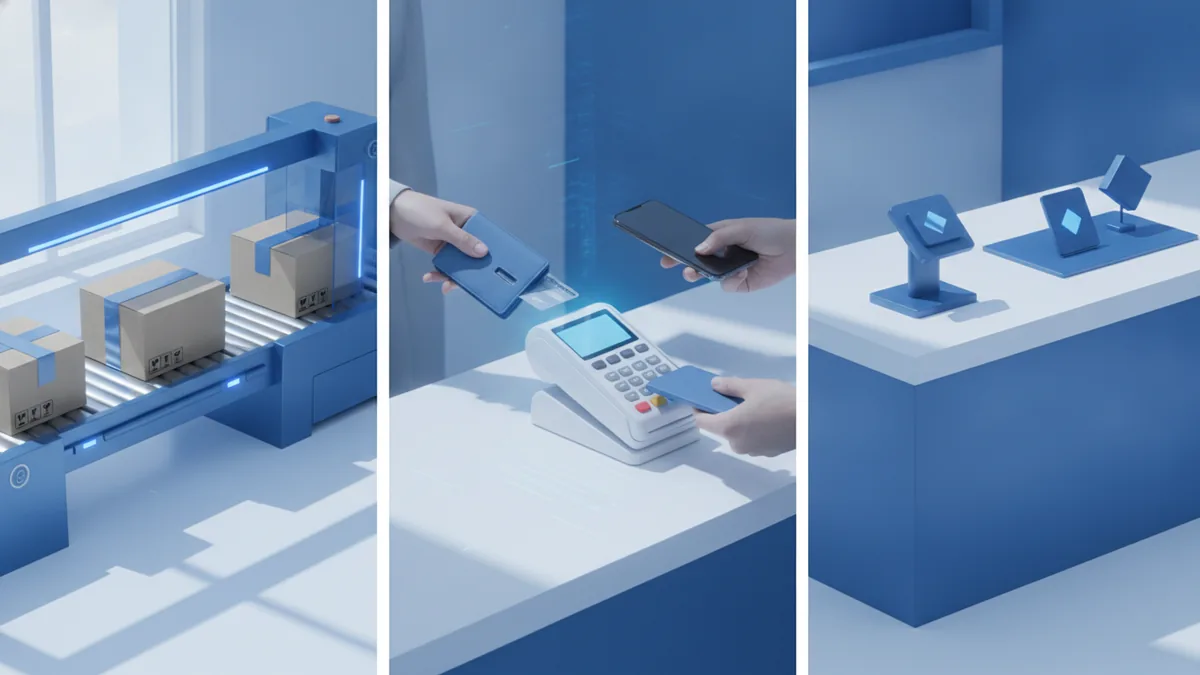
Best payment processing software solutions: what to know about Stripe, PayPal, and Square
The best payment processing software depends on your setup. Still, many teams start with well-known options. They show clear paths for online, wallet, and in-person needs.
Stripe: strong for online payments and custom builds
Stripe is known for online payments and API support. It fits teams that want control over checkout. It can handle cards and bank transfers in many regions.
Stripe also supports invoices and recurring billing. That helps when you run subscriptions or repeat orders. If you work with online payment processing software developers, this model is common.
It is also good for advanced event flows and webhooks. Your system can react in near real time. That keeps orders moving.
PayPal: easy wallet payments for many customers
PayPal is popular because many people already use it. That can boost checkout speed for new buyers. It can also reduce drop-offs from card form fatigue.
PayPal fits teams that want less checkout build work. You often get a fast start with a redirect flow. It is also useful as a second option next to cards.
For conversion goals, this can matter a lot. A familiar button can help buyers feel safe.
Square: simple POS and fast setup for small teams
Square is often chosen for POS needs and quick setup. It supports card payments at a counter. It also includes simple sales reports.
It can suit sports clubs and local groups. You can take fees at events and manage simple sales records. Many teams like the easy daily process.
It may be less ideal if you need a deep custom checkout flow. But it can be ideal for speed and day-to-day ease.
So which is best? Pick by your main channel. Then pick by your need for build control and reporting depth.
Factors to consider when choosing payment processing software
When you choose payment processing software, start with your money math. Fees can change your margin fast. You also need clarity on refunds and disputes.
First, check transaction fees. Look for per-charge rates and any extra costs. Then model fees using your real monthly volume.
Next, verify supported payment methods. Make sure you can accept credit card processing and ACH payment processing if needed. Also confirm mobile payment solutions support where you sell.
Then review integration capabilities. Your tool should connect to your checkout, your order system, and your invoicing flow. Look for solid docs and clear webhook events.
Security compliance standards also matter. Your vendor should explain how it protects card data. It should also support audit needs and role access.
Support quality can decide outcomes during incidents. When a payment fails, you need fast help. That is key for a bank, a sports club, or any busy seller.
Use this quick guide as a checklist for review calls.
| Area | What to ask |
|---|---|
| Transaction fees | Per charge rate, refund cost, and monthly fees |
| Payment types | Cards, ACH, and mobile wallet support in your region |
| Security controls | Tokenization, access roles, and monitoring |
| Integration fit | APIs, webhooks, and sync with invoicing or POS |
| Support | Response time, case flow, and outage updates |
If you run a payment project, test early. Run a small pilot with real payment types. Then check reports before you scale.
What’s next in payment processing technology
Mobile payments will keep growing. People expect quick approvals from phones. That pushes platforms to cut delay in each step.
Fraud checks will also get smarter. Many systems now use AI-driven fraud detection signals. The goal is to stop bad logins and card misuse early.
Fewer false blocks help real buyers. That reduces checkout retries and support tickets. It also protects your sales rate during peak traffic.
We will also see more automation in risk and ops. Better logs will help teams reconcile faster. That will shrink the gap between sale time and book time.
For payment processing software for banks, expect deeper controls. Expect more governance, more audit tools, and clearer data rules. These upgrades help meet internal review needs.
The main theme is change without chaos. Choose a system that can grow and adapt. Then keep your integrations clean and testable.
Conclusion: making an informed choice
Payment processing software powers payments from buyer action to final books. It runs the steps for auth, capture, settlement, and reconciliation. It also supports refunds and disputes when issues happen.
Use the outline to pick your starting point. Decide if you need online payment processing software or POS tools. Then decide if you need ACH payment processing or mobile wallet support.
Compare providers by fees, methods, integration strength, and support quality. Stripe, PayPal, and Square show the main paths. Each has a clear fit for different teams and goals.
With a focused test and clear requirements, you can pick well. You will also cut risk during launch. That is the practical path to better payments.
Frequently asked questions
What is payment processing software used for?
It automates payment steps and tracks results. That includes approval, settlement, refunds, and matching sales to payouts.
How does online payment processing software work?
A buyer pays, then the system checks and routes the request. Next it returns a result, and logs it for reports and reconciliation.
What features should I look for in payment processing solutions?
Prioritize security controls, reliable webhooks, and clear transaction logs. Also check refund and dispute handling and reporting quality.
Which payment processing software is best for small businesses?
It depends on whether you sell online, in person, or both. Square can fit POS-first needs, while Stripe can fit custom online checkouts.
How do transaction fees work in payment processing?
Fees usually include a per-transaction charge plus a percent rate. Some methods or refunds can add extra costs.
Is payment processing software for banks different from tools for merchants?
Yes. Bank-focused platforms often add tighter controls and deeper reporting. They also support more complex internal workflows and approvals.