Payment Processing Systems: Features, Types, and Top Providers

Understanding Payment Processing Systems
Payment processing systems move money from a buyer to a business. They link the customer, merchant, bank, and card network during each payment. The system checks the payment, seeks approval, and sends funds to the seller.
A typical card payment has several steps. A checkout tool collects payment details. A payment gateway sends them for review. The payment processor routes the request to the right bank or card network. The bank then approves or declines the payment.
After approval, the system settles the funds into the merchant account. It also handles refunds, disputes, reports, and risk checks. Strong systems make these steps quick and clear.
Businesses use these tools for more than card sales. They may support bank transfers, digital wallets, subscriptions, and in-store sales. The right choice depends on the markets, sales channels, and payment types you need.
Key Features That Matter in Payment Processing
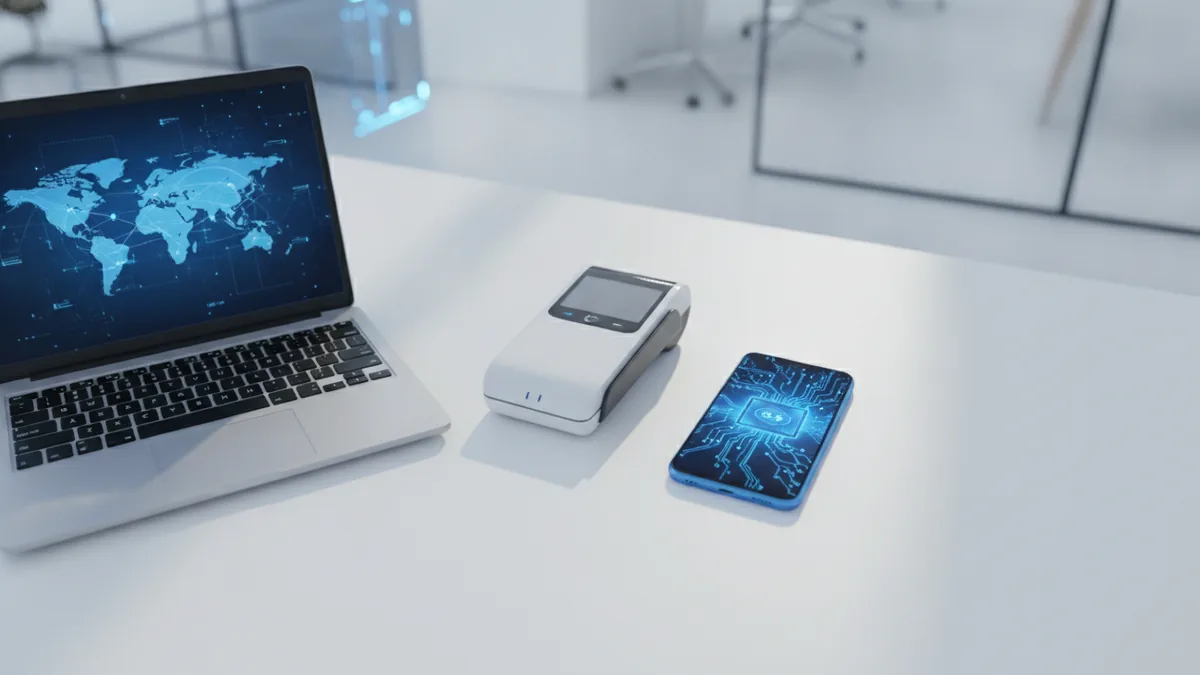
Security should come first when you compare payment processing systems. Look for token use, encryption, risk rules, and strong sign-in controls. Token use replaces card data with a safe code during later payments.
Good systems also make daily work simple. Clear reports help staff track sales and refunds. A clean dashboard can show failed payments, pending funds, and dispute cases in one place.
Integration is another key need. An API lets your software send payment data to the payment tool. Prebuilt links for shops, billing tools, and point of sale systems can cut build time.
- Security: Token use, encryption, risk checks, and safe access controls
- Payment reach: Cards, bank transfers, wallets, and local payment methods
- Reports: Sales, refunds, payouts, disputes, and fee data
- Integration: APIs, software kits, hosted checkout, and plug-ins
- Support: Fast help by chat, phone, or a named account team
Ask how each provider stores payment data and handles failed payments. The PCI Security Standards Council's PCI DSS guidance sets a key baseline for card data safety. Providers that reduce your card data scope can also lower your security burden.
Types of Payment Processing Systems
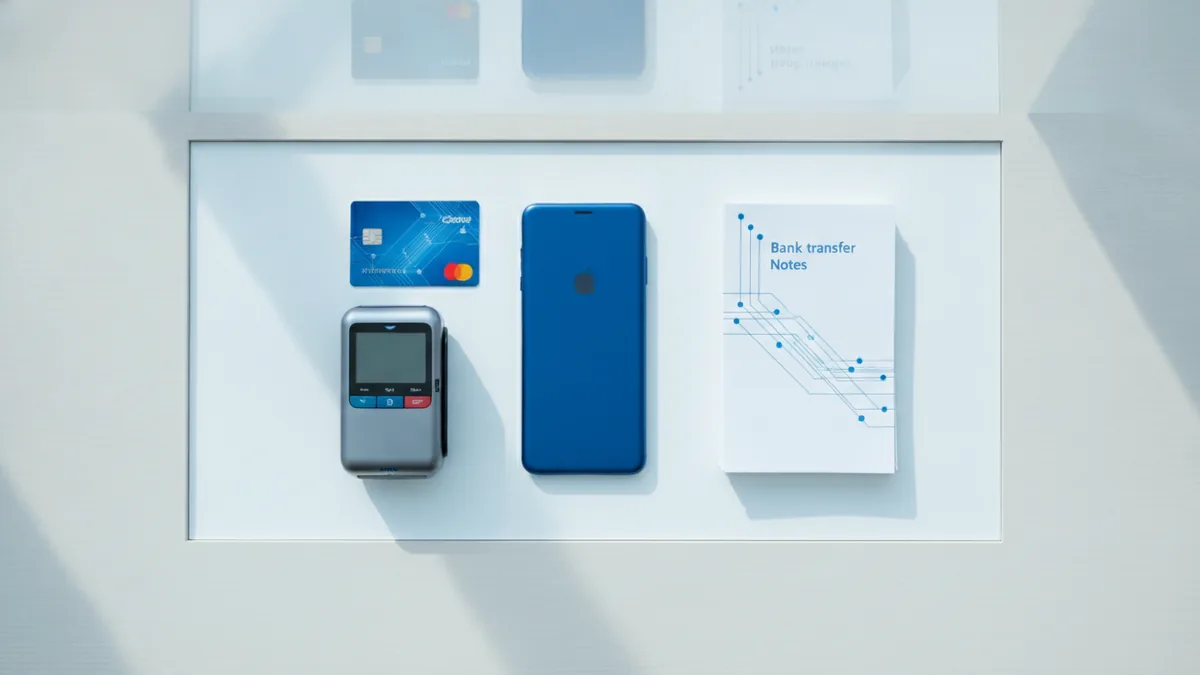
Online payment processing systems support sales through websites and apps. They often include hosted checkout pages, payment links, and recurring billing. These tools suit shops, software firms, schools, and service firms.
Card payment processing systems handle credit and debit card sales. They may serve online checkout, in-store tills, or both. Card tools often support refunds, tips, saved cards, and split payments.
Mobile payment processing systems let a phone or tablet accept payments. A small card reader can turn a device into a portable till. Mobile wallets also let buyers pay with a stored card on their phone.
Bank transfer systems move funds from one bank account to another. They can cost less than card payments for some firms. They may also take longer and offer less buyer protection.
| Payment type | Best fit | Main point to check |
|---|---|---|
| Online checkout | Web shops and apps | Checkout speed and wallet support |
| Card payments | Retail and service sales | Rates, dispute help, and card reach |
| Mobile payments | Events, vans, and field teams | Device support and network access |
| Bank transfers | Large bills and repeat payers | Settlement time and return risk |
Many firms need a mix of these methods. A shop may use a till, a web store, and bank pay links. A subscription firm may need cards, wallets, and automatic retries.
How to Choose a Payment Processor

Start with your payment flow, not a provider name. List your sales channels, target markets, average order value, and monthly payment count. Note whether you need subscriptions, marketplace payouts, or in-person sales.
Next, compare the full cost. Transaction fees may include a fixed charge, a percentage, currency fees, and payout fees. Ask for a sample bill based on your real sales mix. A low headline rate may hide costly add-ons.
Check support before you sign. Ask how fast the team responds during a payment outage. Find out who handles disputes, account reviews, and urgent payout holds. Good support can protect sales during busy periods.
Scalability matters if sales may grow across borders. Check local payment methods, currency support, payout timing, and tax reports. Also ask about limits on volume and the steps needed to add new regions.
- Map every payment channel and buyer region
- Price fees with a real monthly sales example
- Test the checkout on phones and slow connections
- Review fraud tools and dispute rules
- Confirm data export, support hours, and payout terms
Compliance also shapes the choice. A provider may help with card rules, identity checks, and local payment laws. Still, your firm keeps duties as the seller. Get legal advice for high-risk goods or heavily regulated markets.
Leading Payment Processing Systems
The best payment processing systems vary by business type. Stripe suits software firms and online businesses that need flexible APIs. It offers tools for subscriptions, marketplaces, invoices, and global payment methods.
PayPal works well when buyer trust and fast setup matter. Many buyers already know the wallet, so checkout can feel familiar. It also supports online payments, invoices, and seller tools.
Square is a strong fit for shops, food firms, and service teams. Its payment tools link closely with tills, stock, staff access, and bookings. It suits firms that want one setup for in-store and online sales.
Adyen targets larger firms with multi-country payment needs. It brings many payment methods, risk tools, and local acquiring links into one platform. Its setup often suits firms with large sales volumes and in-house technical teams.
| Provider | Strong point | Good fit |
|---|---|---|
| Stripe | Flexible APIs and billing tools | Online firms and software teams |
| PayPal | Known wallet and quick setup | Small shops and online sellers |
| Square | In-store tools and simple reports | Retail and service firms |
| Adyen | Global reach and scale | Large multi-market firms |
Provider features and fees change by country and business type. Review the current terms before you choose. For example, Stripe's pricing breakdown shows why region and payment type matter.
New Trends in Payment Processing Technology

Contactless payments now shape many in-store checkout plans. Tap-to-pay cards and phones can shorten queues. They can also reduce touch points at busy tills.
Mobile wallets are growing across web and shop sales. They store payment details on a device and use a token at checkout. This can reduce typing and help buyers finish a sale on a small screen.
Fraud tools are also getting smarter. Risk engines can review device data, payment history, and order signals. The best tools block clear threats while sending uncertain cases for review.
Blockchain may support some new payment rails and settlement models. Yet its use in everyday checkout remains uneven. Firms should test cost, speed, legal duties, and buyer demand before they adopt it.
Open banking may help bank payments grow in some markets. It can let buyers approve a direct bank payment from a checkout page. Its value depends on bank links, user trust, and local rules.
The Future of Payment Processing
Future systems will likely hide more payment work from the buyer. Saved choices, wallets, and smart retry tools can reduce failed sales. The best checkout will feel fast without losing clear payment records.
Global payment solutions will also need better local fit. Buyers want local currencies, familiar payment methods, and fair support. Firms will need one view of sales across cards, wallets, and bank payments.
Rules will keep shaping product design. Providers must balance fast approval with fraud checks and identity checks. Firms that plan for audits, data safety, and clear consent will face fewer shocks.
Choose a system that fits your needs today and has room to grow. Test it with real orders before a full launch. Track approval rates, fees, failed payments, support speed, and fraud losses each month.
Frequently asked questions
What is a payment processing system?
A payment processing system checks, approves, and settles payments. It also supports refunds, reports, disputes, and fraud checks.
What are the best payment processing systems?
Stripe, PayPal, Square, and Adyen are leading choices. The best option depends on your sales channels, markets, size, and payment needs.
How do I choose a payment processor?
Compare the full fee, payment methods, support, security, country reach, and growth limits. Test the checkout and request a quote based on real sales.
How do mobile payment processing systems work?
Mobile payment processing systems accept payments through phones, tablets, readers, or mobile wallets. They suit field teams, events, shops, and on-the-go sales.
How do payment processors prevent fraud?
Providers use tools such as token use, encryption, risk rules, and sign-in checks. Your firm must still follow the rules that apply to its sales and data.
What fees do payment processing systems charge?
Fees can include a fixed charge, a percentage, currency costs, payout fees, and chargeback costs. Compare these costs with your own order size and sales mix.