Merchant Payments Explained: Types, Costs, and How to Choose
What merchant payment means and why it matters
Merchant payment is how customers pay you, and how you get the money back. It affects sales speed, refunds, and disputes. A slow or broken flow can cost you customers fast.
When merchant payment works well, customers check out with less friction. You also get better control over fraud and bad use. That helps protect your profit and your brand trust.
Merchant payment meaning is the full path from pay step to settled funds. It often includes a merchant account, a payment gateway, and payment acquiring.
Example in one flow
A shopper pays online. The gateway sends the request. The processor checks with banks and returns an approval or a decline.
Then your order status updates right away. Later, settlement moves funds into your account.

Types of merchant payment solutions (online, mobile, and POS)
Merchant payment solutions usually fit three channels. Online payments happen on a web shop. Mobile payments happen on phones or tablets. POS payments happen in stores at a checkout spot.
Many firms use more than one channel. A store may sell in shop and online. A field team may take mobile merchant payment during visits.
Your best fit depends on where buyers pay and how you run the sales line. It also depends on your return rate and risk level.
- Online payments: checkout for ecommerce, including one-time and repeat buys
- Mobile payments: checkout on phones or tablets for on-the-go sales
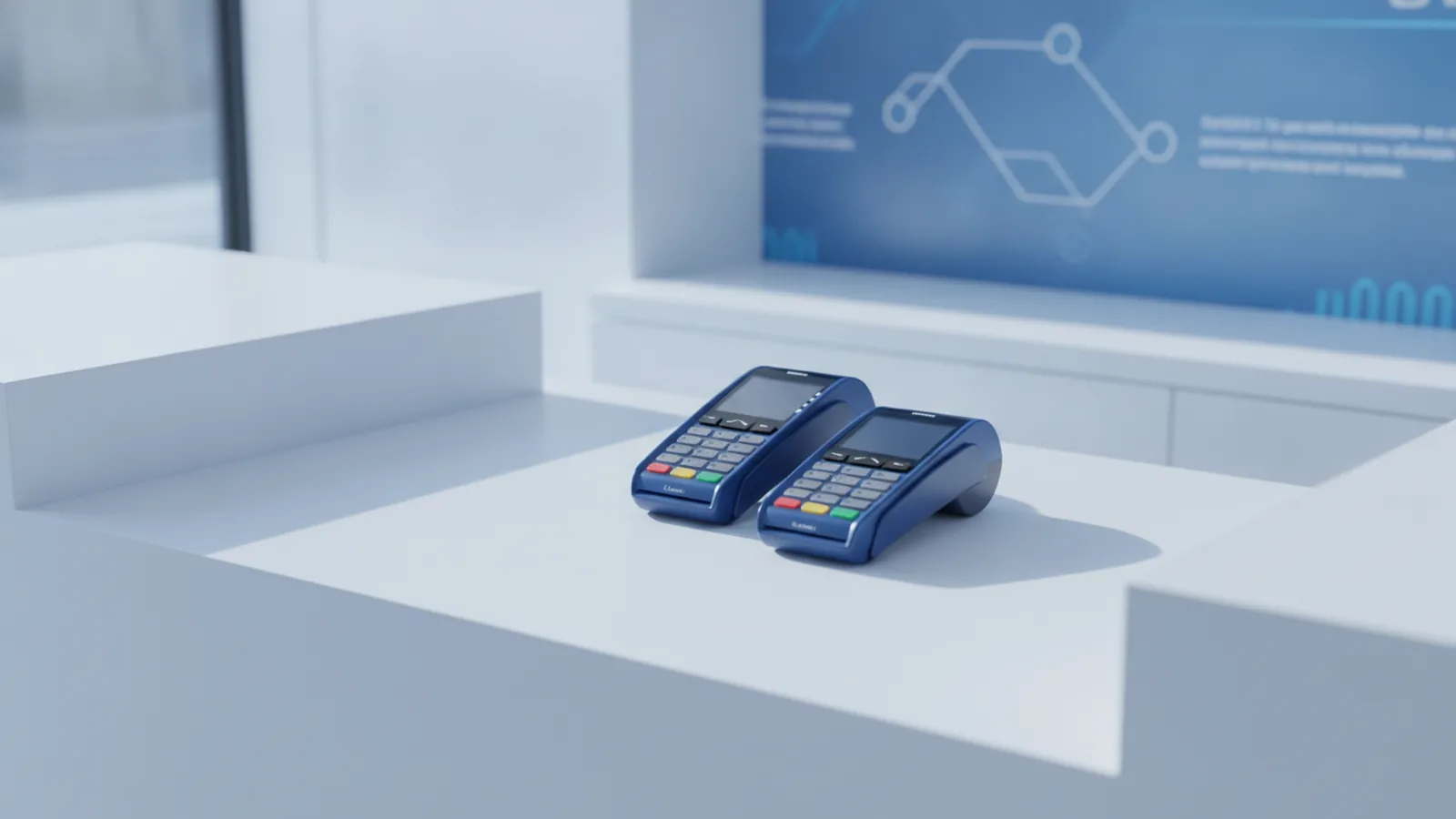
- POS payments: terminal devices for in-store card and tap payments
How merchants mix channels
Some groups run one stack for all sales. Others connect separate tools for each channel. Either can work if reporting matches your orders.
Check how refunds and receipts work across channels too. That reduces staff work and customer confusion.

How merchant payment processors handle transactions
A merchant payment processor is the firm that moves your payment request. It asks the bank side for an approval. It then sends the result back to your checkout or POS.
Most flows start with an “auth” step. Auth means a bank checks funds and rules. Then your sale can complete or stop based on that reply.
After auth, settlement helps move money later. This is where payment acquiring plays a key role. It links you to the card networks and banks.
- Customer starts payment at your checkout or POS terminal.
- Gateway sends payment data to the processor for review.
- Processor requests approval through bank and card paths.
- Checkout shows result as approved or declined.
- Settlement and reports update your merchant account view.
What to ask your processor
Ask about approval speed during busy sales hours. Also ask how refunds and chargebacks return data.
Good merchant payment processors show clear status for each event. That helps your team reconcile money and orders.

Key features in merchant payment systems
Merchant payment systems include core building blocks. A payment gateway moves and routes payment asks. Transaction processing handles auth and settlement steps.
Security is also part of the stack. Tokenization swaps real card data for safer tokens. It lowers risk if data is seen by the wrong party.
Many services also bundle tools for refunds and disputes. You want clear steps for each case. You also want fraud checks that fit your risk level.
| Feature | Why it matters |
|---|---|
| Payment gateway | Routes asks from checkout to the payment network |
| Transaction processing | Runs auth and capture, then supports later settlement |
| Merchant account | Helps you receive payouts and view money flows |
| Tokenization | Replaces raw card data with tokens for safer use |
| Refund support | Handles returns and helps match them to orders |
| Dispute tools | Helps you manage chargebacks with clear case steps |
| Fraud checks | Blocks or flags risky buys to cut loss |
| Support team | Helps fix live issues with fast help |
Integration that reduces errors
If you use ecommerce or POS systems, you need clean sync. Look for clear events for paid, refunded, and disputed. This keeps your order states in line with money.
Also ask if you can test your flow before going live. A short test run often finds slow checks and wrong webhooks.
Choosing the right merchant payment service provider
Choosing merchant payment services is about fit, not just price. You need the right channel support and the right proof of speed. You also need support when things go wrong.
Start with your sales paths. Do you need online payments, mobile payments, and POS systems? If yes, confirm one provider can cover all channels well.
Next, check scalability. Ask how they handle more orders during sales pushes. Ask how limits change as your volume grows.
- Scalability: can it grow with more orders and more channels
- Fee clarity: do you get a full fee list up front
- Security: what protection comes built in
- Reporting: can you match sales, refunds, and cases
- Support: who helps during outages and spikes
Questions that surface hidden risk
Ask what happens when auth works but capture fails. Ask how the system recovers and updates your order.
Also ask who owns what in payment security. You will still need good checkout setup and good staff rules.
Understanding merchant payment costs and common pricing structures
Merchant payment costs often include two parts. There are transaction fees per sale. There can also be setup or monthly fees.
Transaction fees are often a mix of a rate and a flat cost. Some rates vary by card type and by your sales channel. Your volume can also change your rate over time.
Setup fees may cover account setup and tool access. You may also pay for terminals in POS payments. Refunds and chargebacks can add more costs too.
- Transaction fees: a rate plus a per-pay amount
- Monthly fees: tool access and dashboard use
- Setup costs: onboarding and account build
- Terminal costs: buy or lease for POS payments
- Refund and dispute fees: extra charges per event
Use a real billing example
Compare providers using your own monthly numbers. Use your average cart size and your expected orders. Add your expected refunds based on your past data.
Then ask for a full fee sheet. Look for fees that trigger only in special cases.
Also ask about limits that can cap volumes. Some docs mention a “merchant payment limit” rule link. Even if you do not use it, limits can affect peak sales.
Future trends in merchant payment solutions
Merchant payment systems keep moving toward faster and safer buys. Contactless payments are now common at POS systems. Online buyers also want quick steps and clear results.
Integration with other business systems is growing too. Many firms want payment events tied to order tools and stock tools. This lowers manual work and reduces mismatches.
Fraud tools are also getting smarter. Many systems use risk signals to stop bad buys. They aim to block fraud without blocking good customers.
Trends to watch
- More tap and contactless at checkout lanes
- Deeper links with ecommerce and order tools
- Better fraud checks with fewer false blocks
- Unified reports across online and in-store sales
How to prepare now
Pick merchant payment services with clear APIs and event feeds. Build your order flow around auth, paid, refund, and dispute steps.
This helps your business stay ready as payment technology shifts.
Frequently asked questions
What is merchant payment in simple terms?
Merchant payment is the process that turns a customer payment into an approved transaction and settled funds for your business. It includes routing, authorization, refunds, and reporting.
What are the main types of merchant payment solutions?
Most businesses use online payments for ecommerce, mobile payments for staff-assisted or on-the-go sales, and POS payments for in-person checkout. Many providers support more than one channel.
What does a merchant payment processor do?
A merchant payment processor handles transaction authorization and helps move approved payments toward settlement. It works with gateways and payment acquiring to return clear outcomes to your checkout.
What features should I look for in merchant payment services?
Look for a payment gateway, reliable transaction processing, tokenization or strong payment security, and refund and chargeback workflows. Reporting and support matter as much as the core approvals.
How are merchant payment costs usually priced?
Pricing often includes transaction fees and may include monthly or setup charges. Some systems also add fees for refunds, disputes, or extra hardware.
What future trends will affect merchant payment systems?
Contactless payments and faster approvals will keep improving. Providers are also focusing on stronger fraud controls and deeper integration with other business tools.