POS Payment: What It Is, How It Works, Benefits & Types
What is pos payment?
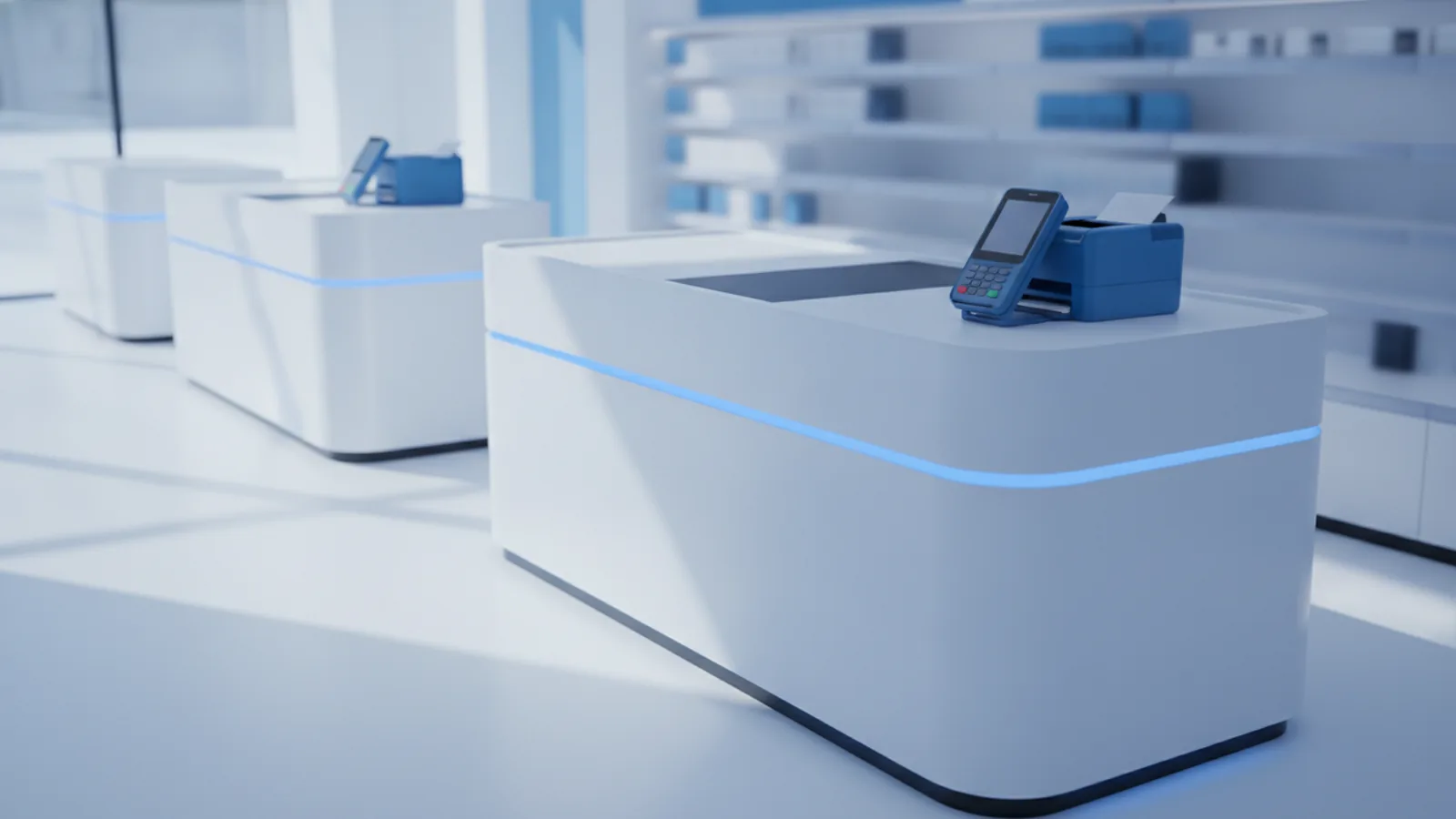
POS payment is how a store finishes a sale at checkout using a POS system. It covers the full checkout flow. It starts when items are added and ends when payment is approved.
If you’re asking what is POS payment, you mean the meaning of the checkout step. It is the point where money moves and the sale gets saved. Most POS setups also update the stock count right away.
A pos payment terminal is the device used to take payment at the counter. It may be a card reader on a stand or a tablet with a reader. Some stores use a mobile terminal for line-busting.
- Cashier rings up items in the POS system.
- POS sends a charge request when checkout is ready.
- Customer pays, then the sale is recorded and closed.
Importance of POS payment systems
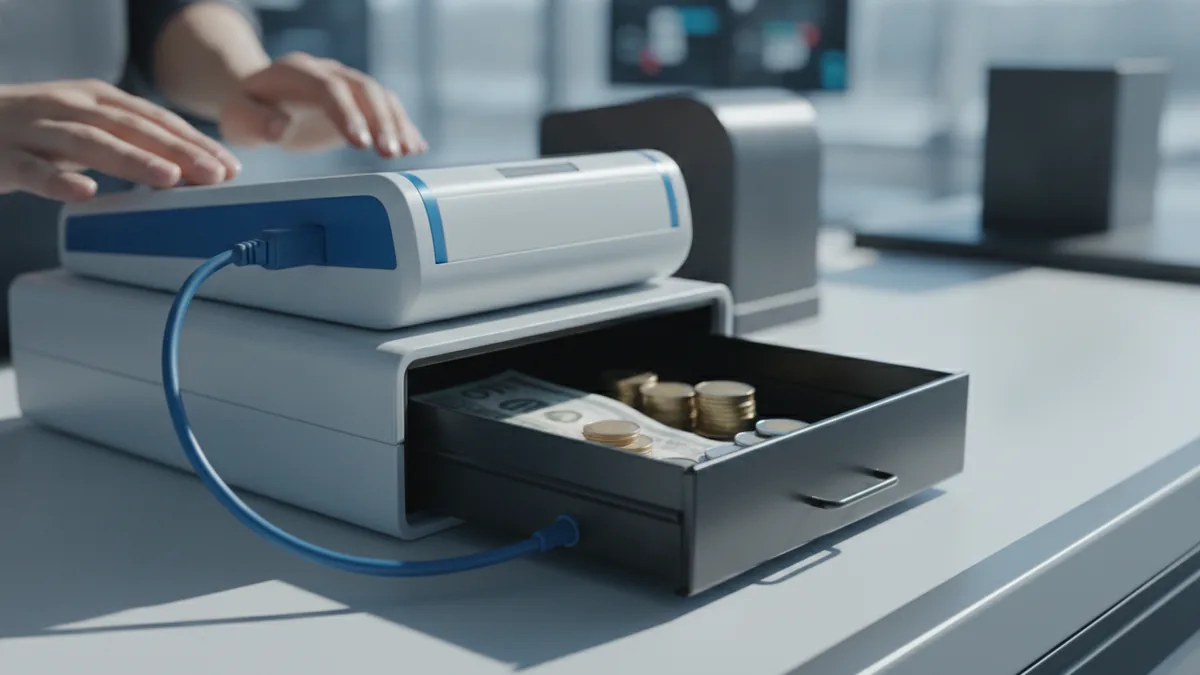
A good pos payment system cuts mistakes and saves staff time. Without it, teams often enter sales in spreadsheets by hand. That leads to wrong totals and messy check nights.
Modern POS setups automate sales logging, payment steps, and inventory updates. The updates can happen in real time. That means what shows in stock stays closer to what sold.
POS payment also helps customer experience. Customers wait less when payment is fast and clear. They also get more ways to pay in one checkout lane.
Transaction security matters too. POS systems should protect card data while it moves. It is one reason good setups reduce risk and limit bad outcomes.
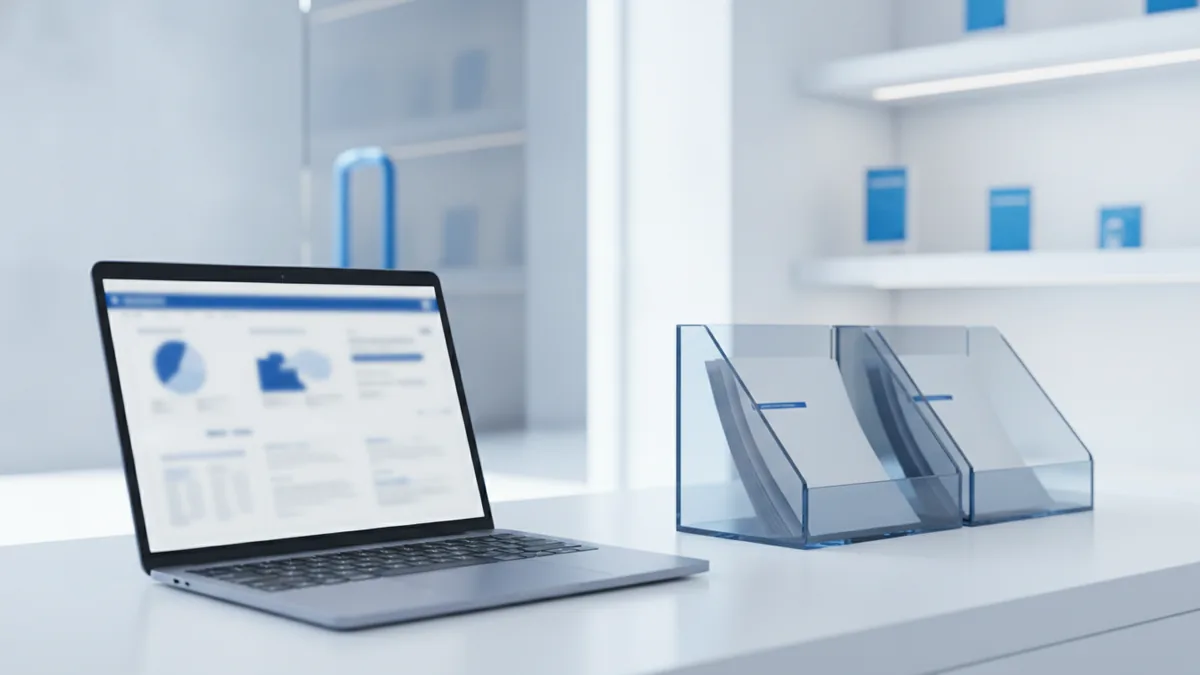
- More accurate sales data for daily reports
- Fewer tally errors across tills and shifts
- Real-time inventory management after each sale
- Better customer flow with multiple payment options
Types of POS payments
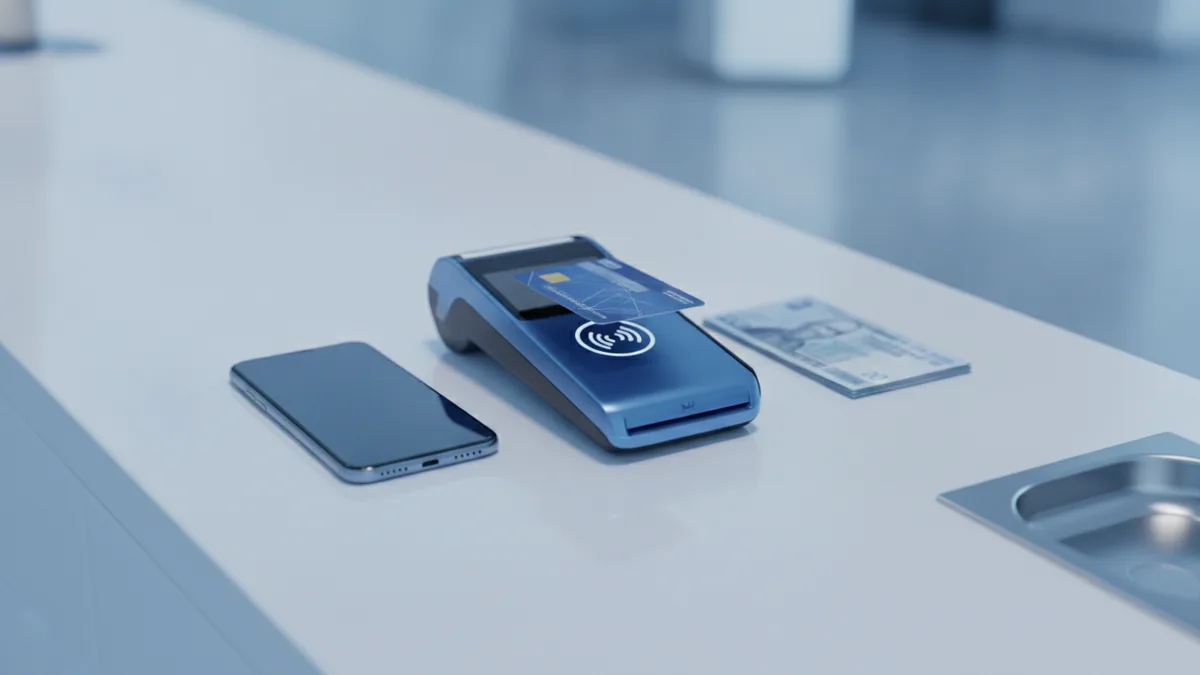
POS payments are the ways customers pay at checkout. A store may support more than one method. Your choice depends on who shops with you and what they expect.
Here are the most common pos payment methods used in real stores. Each method can work with the same POS setup. The payment route behind the scenes may differ.
| Payment type | What the customer does | Where it fits |
|---|---|---|
| Card payments | Taps, dips, or swipes a card | Most retail and food service |
| Mobile wallets | Uses a phone tap near the reader | Busy stores and quick checkout |
| Cash | Hands bills to the cashier | Any store, even low cost items |
| Split payments | Uses two methods in one sale | Gift card plus card or cash |
Also plan for simple edge cases. For example, what if a wallet payment fails? What if a card charge is approved but the receipt does not print? Your team needs clear steps for fixes.
When you support many methods, checkout stays smooth. That can cut lost sales when a customer’s first choice fails.
How POS payment processing works
pos payment processing is the chain of steps that turns a checkout into an approved charge. First, the POS system builds the sale total. Next, it asks a payment partner to approve the charge.
A pos payment gateway is a router that helps send payment requests. It moves the charge info from the POS to the right place. Then it returns the result to the POS system.
pos payment processors are the firms that help handle the card network steps. They help pass the charge through the right rails. After that, the POS can mark the sale as paid.
Security runs during this flow. Many setups use encryption to protect data in transit. They also use tokenization, which swaps real card data for a token.
- Sale captured: POS rings up items and totals them.
- Payment started: Terminal asks for an approval.
- Authorization: Gateway routes the request for a yes or no.
- Sale saved: POS stores the approved result.
- Done: Receipt prints and stock updates run.
Ask how the system handles dropped links. A good setup can recover without double charging. It also helps your team find the right sale state fast.
Good reporting depends on this step. If the approval state is wrong, your daily cash count will be off.
Advantages of implementing a POS system
POS payment systems help businesses run checkout with more control. They keep sales data tied to the real transaction. They also cut down on hand work that creates errors.
One big win is faster checkout. Customers move on quickly when card and wallet payments work well. Cashiers spend less time troubleshooting payment steps.
Another win is better data quality. POS systems log what was sold, when it sold, and how it paid. That helps with audits and weekly reviews.
Real-time stock updates are also key. When stock changes right after checkout, customers see fewer “out of stock” surprises. It helps reduce lost demand and frantic reorders.
- Better accuracy: Less manual entry and fewer fixes later
- Higher speed: Less waiting during busy hours
- Cleaner stock: Inventory management matches what sold
- More payment options: Card payments and wallet payments work together
Security should be built into the process, not bolted on. Look for encryption and tokenization in the payment path. Those controls reduce exposure to sensitive data.
Future trends in POS payments
POS payments will keep moving toward faster and safer checkout. Stores want quick approvals and smooth handoffs. They also want data that stays useful after the sale ends.
Digital wallets will keep growing in use. More shoppers expect tap to pay at most counters. That pushes teams toward mobile POS payment solutions for line busting.
Fraud checks will also get smarter. Systems will use risk signals to spot odd patterns. That can reduce chargebacks and limit losses.
Uptime and recovery will matter more too. Stores need clear behavior when the network is slow. They want clear paths for offline work and later sync.
- More tap-to-pay and wallet-first checkout
- Better fraud tools and risk checks
- More solid failover for weak links
- Deeper ties to stock data and reorders
When you pick a POS setup, test the real flow. Test card, wallet, and cash in your day pattern. Then check what happens on slow networks.
Quick glossary: POS payment meaning
What does POS payment mean? It means a purchase gets paid and saved at checkout. It uses your POS system and a payment path that asks for approval.
What is a POS payment system? It is the full checkout setup. It includes the point of sale system, the terminal, and payment services.
What is POS payment processing? It is the steps that send the charge for approval. Then the POS records the result and updates stock.
With these terms clear, you can compare sellers better. You can also ask sharper questions about speed, risk, and uptime.
Frequently asked questions
What is pos payment and what does it include?
POS payment is how a purchase gets finished at checkout. It includes payment approval plus saving the sale in the POS system.
What is a pos payment system?
A pos payment system is the full checkout setup. It includes the point of sale system, the terminal, and payment services that handle approval.
How does pos payment processing work?
POS payment processing sends a charge request for approval. After a yes, the POS saves the sale and updates stock.
What are common pos payment methods for businesses?
Most stores accept card payments, mobile wallet payments, and cash. Some also allow split payments for one order.
Why is security important in pos payment processing?
Security protects payment data while it travels and is stored. Encryption and tokenization help reduce exposure to real card data.
How do mobile pos payment solutions help at stores?
Mobile POS payment solutions speed up checkout for small areas and pop-ups. They let staff take payments without being tied to one counter.