Credit Card Payment Systems: Components, Costs, and Best Practices

Understanding card payment systems (and why they matter)
A card credit payment system helps your business take credit and debit cards. It moves money from the buyer’s bank to your account. It also sends checks and rules between each party. The goal is fast approval at checkout.
You should learn the roles inside credit cards payment processing. These roles include the cardholder, the merchant, and two banks. They also include card networks that route the message. When you know the roles, you can fix failures faster.
In-store sales and online sales use different steps. That changes how you run your tools and how you debug issues. It can also change what data your setup stores and sends. Your payment flow must match your sales channel.
- In-store: card data goes from the terminal to your point-of-sale system.
- Online: a payment gateway sends data from the checkout to your processor.
- Same aim: get an approval response and then settle funds.
Key components in payment processing
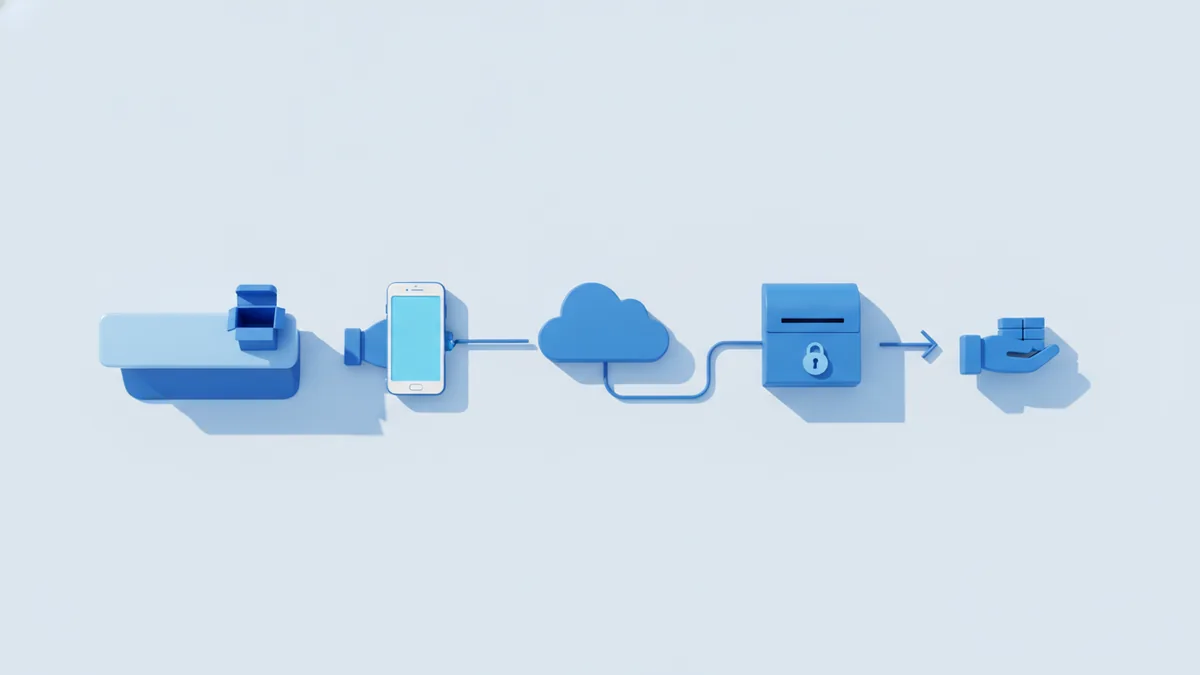
Credit payment services are a stack, not a single tool. A typical stack spans hardware, software, and bank links. Each part has one job in the chain. If one part fails, the sale can fail.
Start with the key people and banks. The merchant is your business. The acquiring bank supports your sales. The issuing bank holds the buyer’s card account. Card networks link the rails between banks.
A credit payment processor runs the transaction work and reporting. It routes requests to banks and sends results back. Many processors also add fraud checks and dashboard views. They help you manage day-to-day payment operations.
For online work, you often need a payment gateway. A gateway safely connects your checkout page to the processor. It can also handle token use, which reduces card data risk. For in-store, your point-of-sale system and terminal usually cover data capture.
| Component | Job it does | What you notice |
|---|---|---|
| Merchant | Sells goods or services | Your checkout and store flow |
| Acquiring bank | Acts on your behalf | Settlement timing and account links |
| Issuing bank | Approves or declines | Approval rate and decline notes |
| Card network | Routes the message | Speed and routing health |
| Processor | Runs credit card payment processing | Fees, tools, and support |
| Gateway | Connects online checkout | Online approval flow |
How credit card transactions work (online vs. in-store)
Credit card processing has two key steps. First comes authorization. Next comes settlement. Authorization asks if the card can pay for this sale.
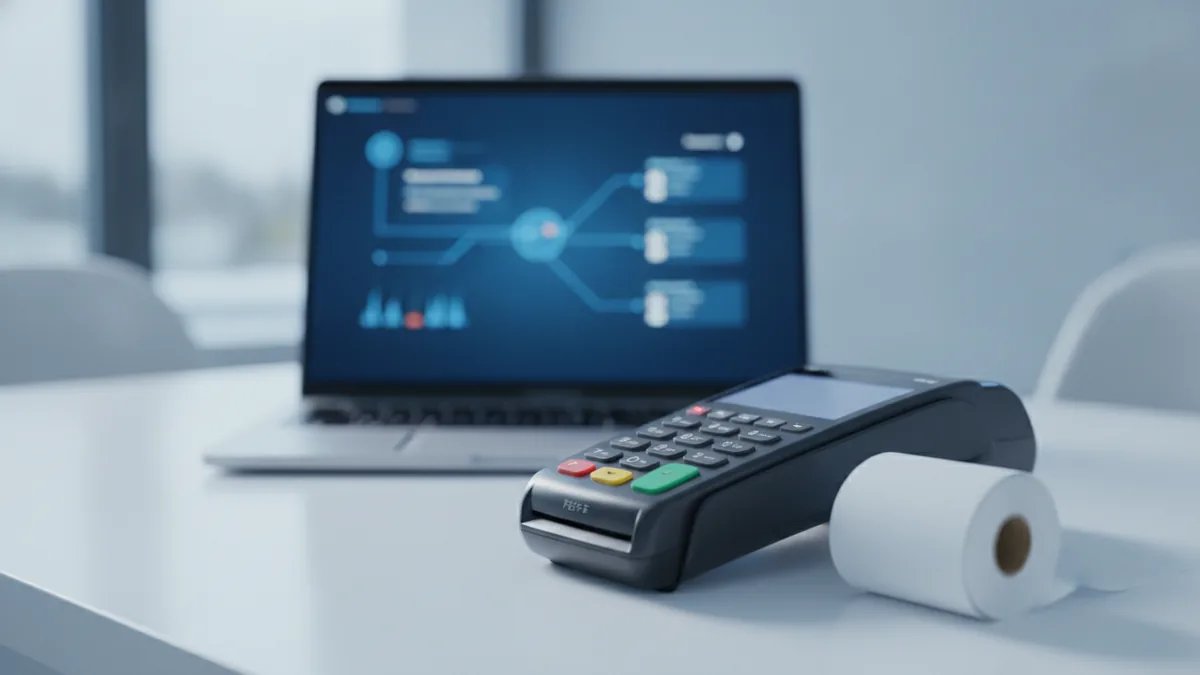
In-store works with a terminal and point-of-sale systems. The terminal reads the card. Then it sends an auth request through your processor. The issuing bank checks funds and rules. It returns an approval or a decline.
Online works through your checkout and a payment gateway. The customer enters card details on the page. The gateway sends data onward in a safe way. The processor asks for auth through the banks. Your checkout then shows the result.
Both paths can include extra checks. These checks help stop risky orders. They can also affect approval speed. You should review decline reasons when sales dip.
- Capture: swipe, tap, or key in card data.
- Auth request: send amount and merchant info.
- Checks: banks and networks apply rules.
- Auth result: approval code or decline note.
- Settlement: batch moves funds later.
Transaction flows also vary by card type and method. Chip, tap, and magstripe can trigger different checks. Digital wallets often use token use. That can change decline paths and report details. Your processor should show these differences clearly.
Cost considerations: what you should monitor
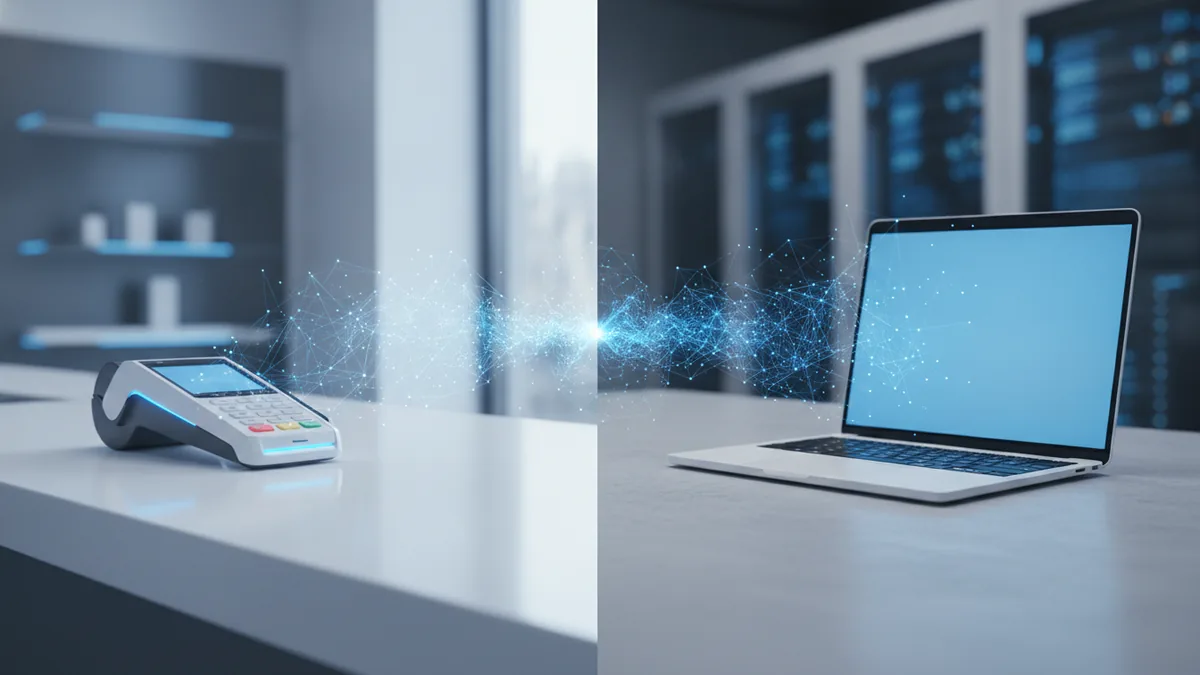
Costs in credit cards payment processing come from many places. You should not expect a single fee line. You often see interchange fees plus a processor markup. You may also see extra chargeback fees.
Interchange fees come from the card networks. They depend on card type and the sale setup. They also depend on channel and risk signals. Your processor markup covers its work and tools. That can include routing, dashboards, and fraud work.
Chargebacks are a costly event. A cardholder disputes a sale. If the dispute wins, funds move back out. You may also pay a chargeback fee. You also spend staff time on evidence and follow-ups.
- Interchange fees: often the biggest part per sale.
- Processor markup: the fee for processing and tools.
- Chargeback fees: extra fees plus staff time.
- Refund handling: refunds can show as new events.
- Monthly fees: some plans charge for gateway or tools.
Use payment reporting to spot trends and fix root causes. Track approval rate by channel and by device. Watch dispute rate and top dispute reasons. If approvals drop, test your terminal and gateway health first. If disputes rise, improve proof of delivery and refund speed.
When you compare credit payment solutions, compare total cost. Include the impact of lower approvals and higher disputes. A low per-sale fee can cost more overall.
Benefits of offering credit cards (beyond “more payment options”)
Offering credit payment services can boost sales and trust. Many buyers prefer cards because it is familiar. Cards also let people manage cash flow. That comfort can raise checkout completion.
Convenience matters in-store. Tap-to-pay can speed up lines. It also reduces time spent on manual entry. For online carts, quick auth responses cut drop-offs. That can lift sales without new ads.
Cards also add good business ops value. You get clearer records for each sale. You can reconcile sales, refunds, and disputes in one view. This can cut time spent on manual matches.
- Higher completion with smooth approvals.
- Faster checkout with tap and safe forms.
- Better records through detailed reports.
- Customer choice which reduces lost sales.
Still, do not ignore chargebacks. A payment method that drives disputes can hurt profit. Compare not only fees, but also dispute results and staff load.
Choosing the right payment processor for your business
Choosing a credit payment processor affects cost and workflow. It also affects how fast you launch new checkout tools. A strong processor helps you handle both online and in-store needs. It should also support your growth pace.
Start with fit. Tell the provider how you sell today. Then share your plans for next quarter. If you need both web checkout and retail terminals, confirm support for both. Also confirm that you get consistent transaction processing and reporting.
Next, review pricing clarity. Ask how interchange fees and markup show up in reports. Ask about extra fees for gateway use, terminals, or chargebacks. If you see blended pricing, ask for a break down. You want to know what drives your per-sale cost.
PCI compliance support is not optional. PCI compliance helps protect card data. It also helps lower breach risk. Your setup should use token use and secure links where needed. It should also guide you on your exact scope.
- Match your channels: in-store, online, and any repeat buys.
- Check pricing: seek clear interchange and markup views.
- Review reports: approvals, refunds, and dispute events.
- Confirm PCI support: token use and safe data flow.
- Run a pilot: test with real card auth flows.
Finally, judge support quality. Payment issues can spike during launch. Ask about response times and escalation steps. Also ask how risk rules work. You want fewer false declines and quick fixes when issues hit.
Future trends in credit payment systems
Credit payment systems keep changing as fraud shifts. They also change as card rules change. One big trend is safer card data handling. More token use reduces how often card data must travel. That lowers exposure risk.
Digital wallets will keep growing in use. They often run through token flows. That can change decline reasons. It can also change how you read your reports. Your processor should provide channel split data so you can learn what works.
Fraud tools will get more adaptive. That means risk checks tune to your sale flow. You want to block bad buys but keep good buyers. Better risk signals can help you hit that balance.
More automation will also land in reporting and ops. Payment events can power refund actions and dispute steps. If you build custom software, you may integrate alerts and logs. That helps your team act on changes fast.
As you plan, review security updates with each system change. Each terminal or checkout change can affect your PCI compliance scope. Keep your setup current and test it after updates.
PCI compliance essentials for card credit payment processing
PCI compliance protects cardholder data and helps stop breaches. It is a set of security rules for handling card data. Your scope depends on how your system touches card data. A setup that uses token use can reduce your storage needs.
First, map where card data moves in your setup. Online checkouts should send card data to a gateway or processor. Your apps should not store raw card numbers. In-store terminals should use secure links with your processor. You should also control access to the systems that handle payment data.
Second, set team rules for secure handling. Do not print sensitive details. Train staff on what to do when errors happen. Keep logs for key events so you can spot odd patterns early. Use your processor guidance to keep your setup within PCI needs.
PCI compliance is ongoing work. Updates, new devices, and new flows can change your risk. Treat it as a living process, not a one-time task.
FAQ
Do I need a payment gateway if I only take in-store payments?
Often no. In-store setups use a terminal and point-of-sale systems. Online checkout usually needs a gateway.
What are interchange fees in credit cards payment processing?
They are charges set by card networks. They depend on card type and transaction traits.
Why do online transactions fail more than in-store transactions?
Online failures can come from gateway issues or risk checks. Review decline notes from your processor to find the cause.
How can chargebacks be reduced?
Ship fast and send clear order updates. Process refunds quickly when a mistake happens. Track dispute reasons and adjust workflows.
What should we ask a credit payment processor before signing?
Ask about pricing details, reporting tools, and PCI support. Also request a pilot test with your real sale flow.
Is PCI compliance required even if we use token use?
Your scope may shrink with token use. Still, you must follow secure handling rules based on your setup.
Frequently asked questions
What is a card credit payment system?
It is the end-to-end setup that lets a business accept credit and debit cards. It connects your checkout or terminal to a processor, payment networks, and banks.
How do credit cards payment processing and settlement work?
First, authorization checks if the card can pay. Then settlement batches the transaction and moves funds to your merchant account.
What are the biggest costs in credit cards payment processing?
Interchange fees are often the largest per-transaction cost. You may also pay processor markups and chargeback fees if disputes happen.
Why does PCI compliance matter for credit payment processing?
PCI compliance helps protect cardholder data and prevents security breaches. Your scope depends on how your systems handle card data, even with tokenization.
How do I choose a credit payment processor for my business?
Compare pricing transparency, statement and reporting detail, and channel support. Confirm PCI support and request a pilot test to validate approval performance.
Do digital wallets change how payments are processed?
Often yes. Digital wallets usually use tokenized credentials, which can affect decline reasons and reporting compared with card entry.