Best Mobile Payment Solutions for Businesses: Options and How to Pick
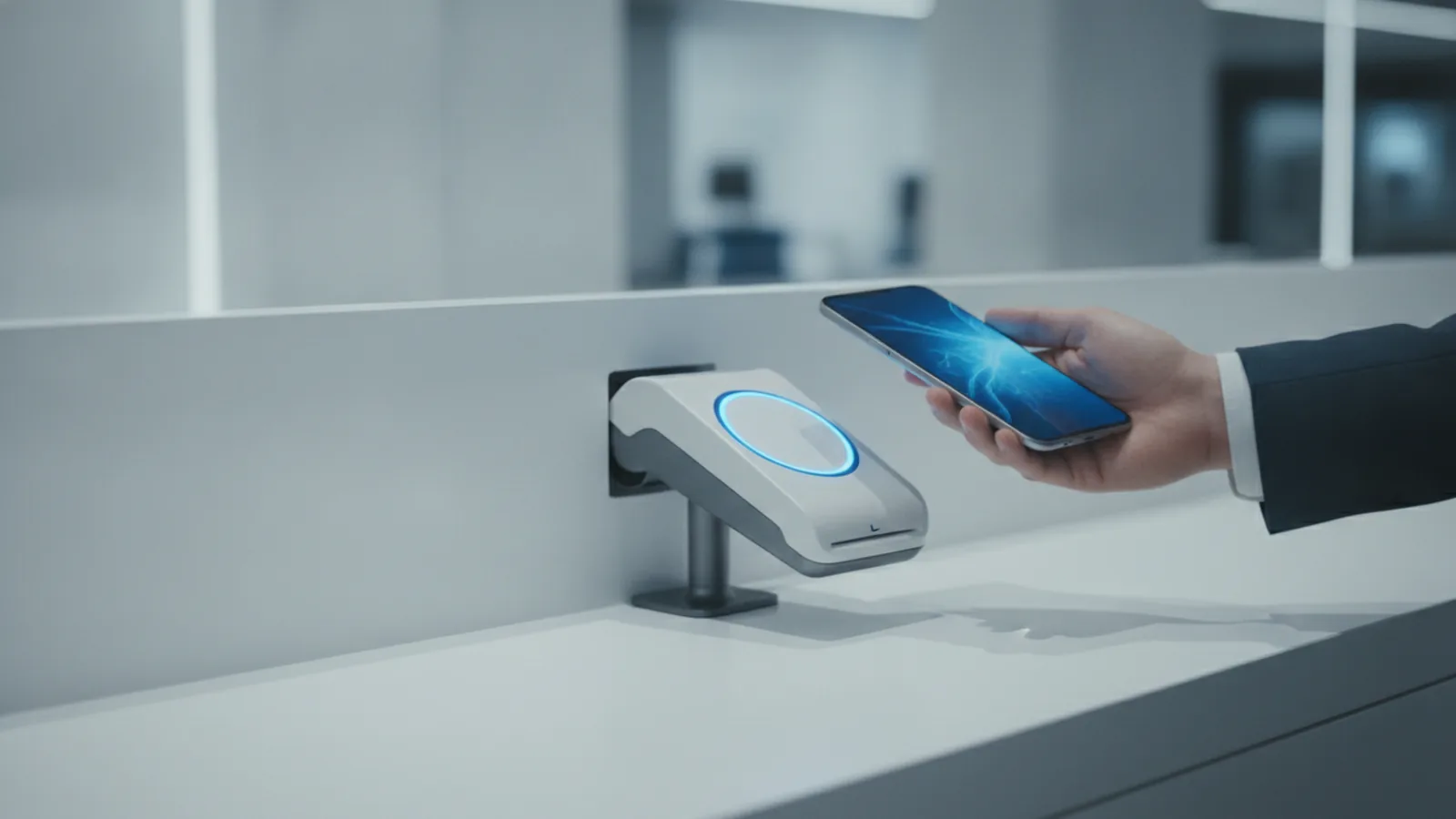
Mobile payment solutions: the quickest way to speed up checkout
The best mobile payment solutions let customers pay faster, with less friction, and from the device they already use. For businesses, that can mean shorter lines, fewer failed payments, and smoother repeat visits. The right mobile card payment solutions also reduce staff work, because fewer steps are needed at the register.
When you compare providers, focus on the whole flow. That includes the payment method, the mobile payment processor that runs the transactions, and how payments fit into your POS systems and checkout screens. A good setup protects data and keeps approval rates high.
If you are asking which mobile payment system is best, the answer depends on your business model. A small shop with counter sales has different needs than a subscription service or a marketplace. This guide helps you match features to your customers and your payment processing fees.

Common types of mobile payment systems
Mobile payments are not one product. They are a set of ways to move card and wallet funds using a phone, tablet, or wearable device. Most businesses end up using more than one type, so customers can choose what feels easiest.
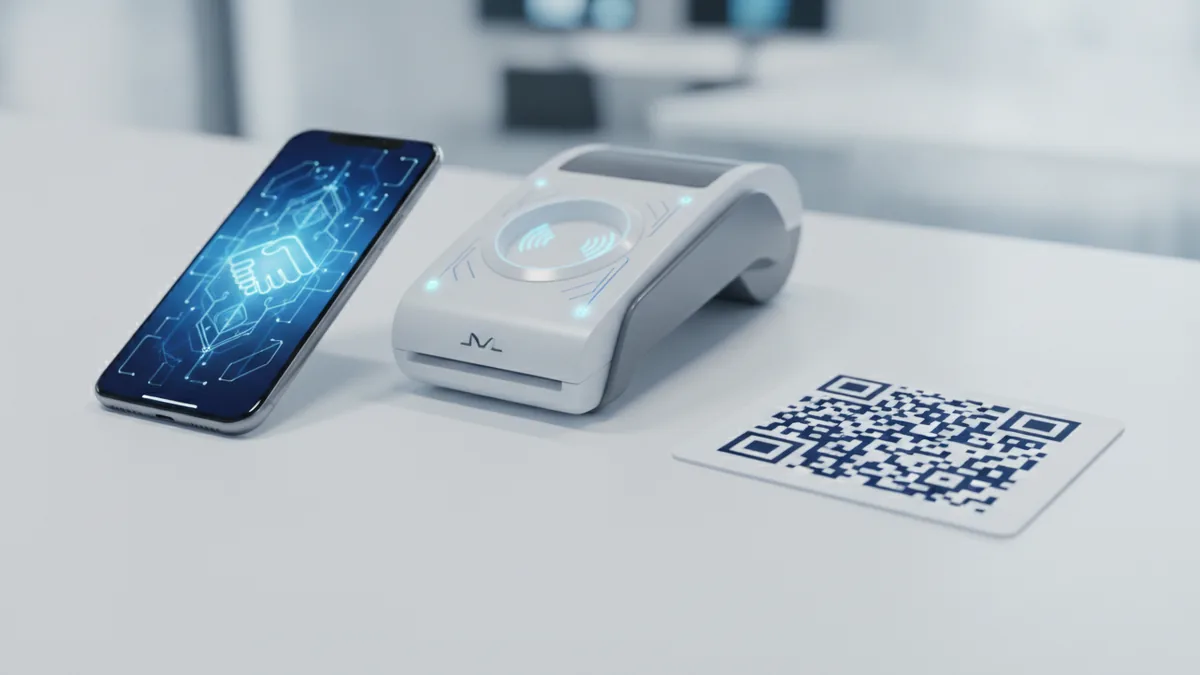
Here are the main mobile payment solution types you will see in real deployments.
- Mobile wallets (digital wallets): Customers pay using Apple Pay, Google Pay, or similar wallet apps.
- Contactless payments: Customers tap a card or phone near an NFC reader using NFC technology.
- In-app payments: Payments happen inside your app using a card form, wallet button, or saved payment method.
- QR code payments: Customers scan a QR code and confirm payment on their phone.
- Peer-to-peer (P2P) payments: Customers send money to each other, often for splitting bills.
For many retailers, the baseline is contactless plus a digital wallet option. For online or app-first businesses, in-app payment solutions matter more. If you run events or field sales, QR code payments can be a fast start.
Why mobile payments boost customer experience
Mobile payments enhance customer convenience and satisfaction because transactions feel quick and simple. A customer does not need to search for a card, type long details, or wait for manual steps. That speed is not just a comfort feature. It can lower abandonment during checkout and reduce the time per transaction at the register.
They also improve reliability when the flow is designed well. For example, a wallet payment can use saved credentials and fast token handoff, which often lowers the chance of a checkout failure. When payments are smooth, customers come back. That is customer engagement, but it is driven by friction removal.
Mobile payments can also help you handle the “last mile” of commerce. A cashier-friendly setup can speed up lines. An app-friendly setup can support one-tap reorders. A QR option can support pop-up payments without buying new hardware.
- Faster checkout: fewer steps, less typing, quicker approvals.
- Better mobile UX: customers pay in the way they already prefer.
- Higher conversion: fewer payment failures and less form drop-off.
- More consistent data: cleaner payment records for matching and reporting.

Key features to look for in a payment provider
Not all mobile payment systems are equal. The best mobile payment processor for your business is the one that matches your sales channels, your security needs, and your support expectations. Start by validating the basics, then go deeper into the parts that affect approvals and disputes.
Here are the most important features to evaluate.
1) Transaction security you can explain
Security should be built in, not added later. Tokenization replaces sensitive data with a safer token. Encryption protects payment data while it moves between devices, gateways, and systems. Together, they reduce risk even if a device or network is compromised.
2) Clear payment processing fees
Mobile payment processors often price in different ways. Some use flat fees per transaction. Others use percentage-based fees tied to volume. Your cost can change month to month, so ask for sample rates at your typical order sizes.
| Pricing model | How it usually works | Best fit |
|---|---|---|
| Flat per transaction | A fixed amount per payment | Lower volume or smaller average tickets |
| Percentage based | A rate applied to each payment amount | Higher volume or predictable order sizes |
| Tiered or blended | Rates shift by volume bands | Growing businesses that expect volume lift |
3) Integration with POS systems and e-commerce
Integration capabilities are crucial for seamless operation. If you use POS systems, confirm the processor supports your register model and workflow. If you sell online, confirm it connects to your e-commerce platform and handles webhooks or payment status updates.
A good integration also helps with operational tasks. You want accurate refunds, voids, and reconciliation matching. When payment statuses update reliably, you can avoid “paid but not fulfilled” issues.
4) Support for multiple mobile payment methods
Your customers will not all prefer the same method. Some will want digital wallets. Others will choose contactless taps. Some will prefer QR code payments for quick scanning.
When you support several options, you reduce checkout friction. Then you can measure which methods perform best for your business and region.
Top mobile payment processors to evaluate
“Top” depends on your setup and volume. Still, you can narrow the field quickly by judging each mobile payment processor on approval performance, security posture, and integration depth. Ask how the provider handles tokenization, encryption, and fraud screening. Then check how fast support can resolve payment issues.
When vendors pitch pricing, ask for a statement-style breakdown. Include the processing rate, any monthly platform fees, and common extras like chargeback handling. Many disputes are not predictable, so you need clarity on how cases are reviewed.
- Best for retail counters: Look for strong contactless and wallet support plus POS system integration.
- Best for online stores: Look for in-app payment solutions where relevant and reliable payment status updates.
- Best for small business: Look for simple onboarding, clear fees, and minimal hardware requirements.
If you are searching for the best mobile payment system for small business, prioritize speed to launch. Many small teams cannot run a long integration project. They need a solution that works with existing card readers and fits their current checkout flow.
If you operate in Canada or plan to serve Canadian customers, also check local payment method support. Some providers differ in which wallet and card routing options they offer. That affects which mobile card payment solutions customers can use.
How to choose the best solution for your business
The best mobile payment system is the one that matches your customers’ habits and your operational reality. Start with where you sell. Then match the payment method to that channel, and confirm the integration is clean.
Use these steps to decide which mobile payment system is best for your needs.
- Map your sales channels: In-store, online, app, events, or all of them.
- List the payment methods customers already try: Wallets, taps, QR scans, or in-app card entry.
- Check security controls: Verify tokenization and encryption are part of the flow.
- Model your monthly payment processing fees: Use your average ticket and volume range.
- Validate integration: Confirm POS systems fit your setup, and checkout updates back to your backend.
- Test the failure paths: Check what happens on declines, refunds, and offline interruptions.
- Confirm support and dispute handling: Ask about chargebacks and settlement timelines.
For many merchants, the decision also comes down to customer experience. If you want a one-step tap experience, prioritize contactless payments and wallet flows. If you want in-session convenience for repeat buyers, prioritize in-app payment solutions with saved methods. If you need flexibility for pop-ups, include QR code payments.
Finally, align the provider to your team. If your staff needs quick training, choose a system that is straightforward at the counter. If your developers need control, choose one with strong APIs and clear documentation for payment status webhooks.
Conclusion and future trends in mobile payments
Mobile payments will keep moving toward faster, more seamless checkout. The best mobile payment solutions will look less like a separate payment step and more like a natural part of the customer journey. That means better device-to-processor flows, clearer payment status updates, and fewer manual interventions.
Expect stronger transaction security as tokenization becomes standard and fraud tools get smarter. Also expect more hybrid experiences that combine contactless payments, in-app payment solutions, and QR code payments under one payment setup. Businesses that support more than one option reduce friction for more customers.
If you are building for the future, choose a mobile payment processor that can grow with you. Your integration should handle higher volume, new sales channels, and evolving payment methods. A well-chosen system becomes a platform for better customer engagement and more efficient transaction operations.
- Shortlist by channel: retail, online, app, or events.
- Compare total fees: not just a single rate card line.
- Confirm security: tokenization and encryption in the payment path.
- Prioritize integration: POS systems and e-commerce fit matters.
- Pick for your customers: match preferred payment methods.
Frequently asked questions
What are the best mobile payment solutions for small businesses?
The best mobile payment system for small business supports the payment methods you need most and starts quickly with your current setup. Prioritize clear payment processing fees, simple integration, and strong support for refunds and declines.
Which mobile payment system is best for in-store payments?
For retail counters, contactless payments and digital wallets usually deliver the fastest customer experience. Confirm strong integration with your POS systems and reliable approval performance.
What security features should a mobile payment processor have?
Look for tokenization and encryption in the payment path. These reduce exposure of sensitive data during processing.
How do mobile payment processing fees usually work?
Fees are commonly flat per transaction or percentage based on the transaction amount. Some plans include monthly platform fees, so model your total monthly cost.
Can mobile payments integrate with existing POS systems?
Yes, but you must confirm compatibility with your POS systems and checkout workflow. Ask about how payment status updates flow back to your backend.
Are QR code payments a good option for businesses?
QR code payments can be a practical choice for events, pop-ups, and flexible counters. They work best when the mobile experience is smooth and confirmations are immediate.