Payment Systems for Small Business: Types, Benefits, and How to Choose
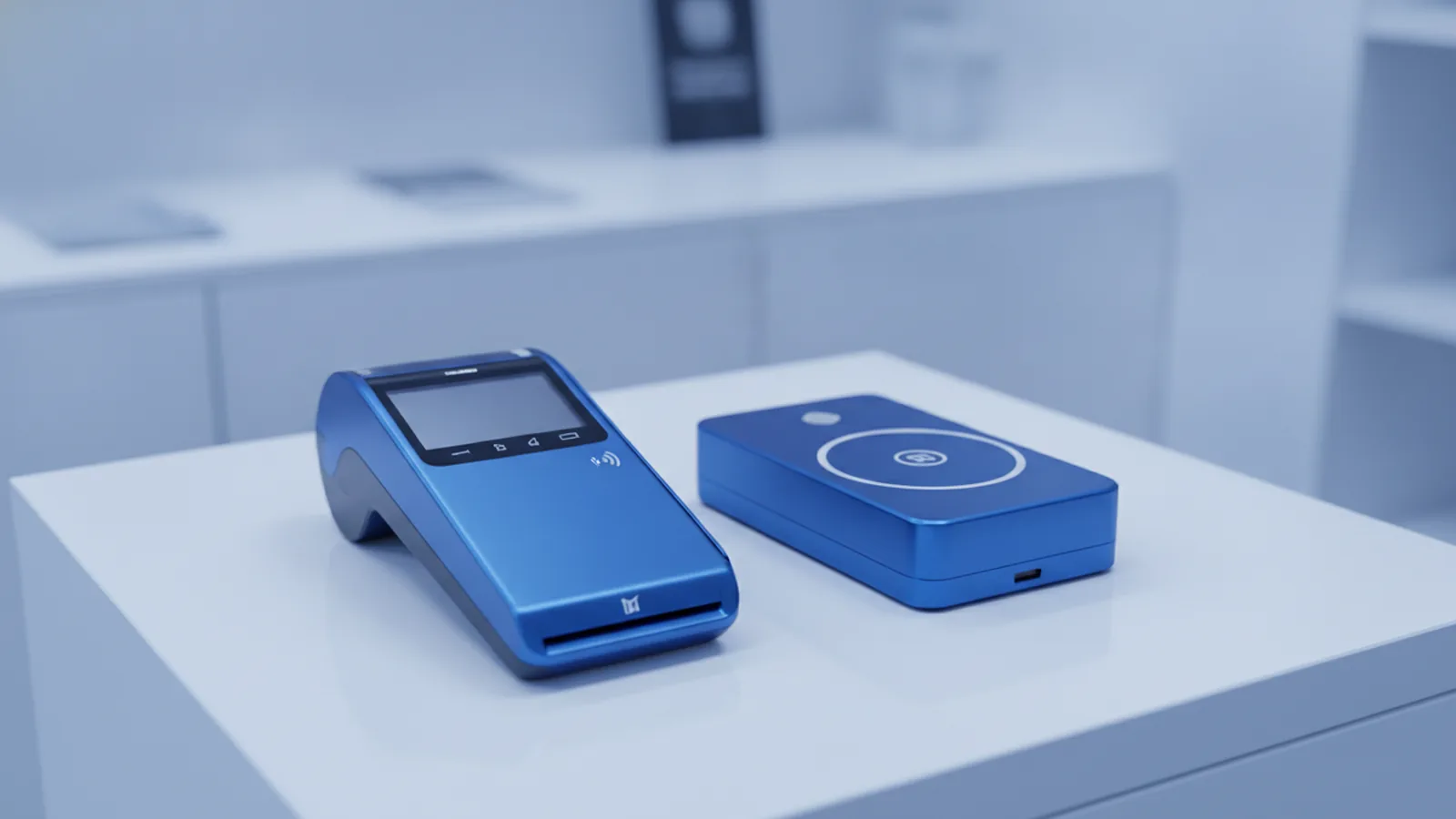
Payment systems for small business: what to choose first
The best payment systems for small business help you take money fast and safely.
If you sell online, use online payment systems for small business that take cards and digital wallets.
If you sell in person, use POS (Point of Sale) tools or mobile payment systems for small businesses.
Many shops use more than one setup for each sales channel.
Start by learning the payment processing flow. It has three steps. You initiate a payment. Then you request approval. Then you settle funds later.
When each step works well, customers face fewer errors. You also reduce time spent on refunds and reports.
Below, you will see the main parts of payment systems. You will also learn how to pick one for your needs.
- Online sales: checkout, payment links, and wallet support
- In-store sales: card readers and POS setup
- On-the-go sales: phone readers and tap-to-pay
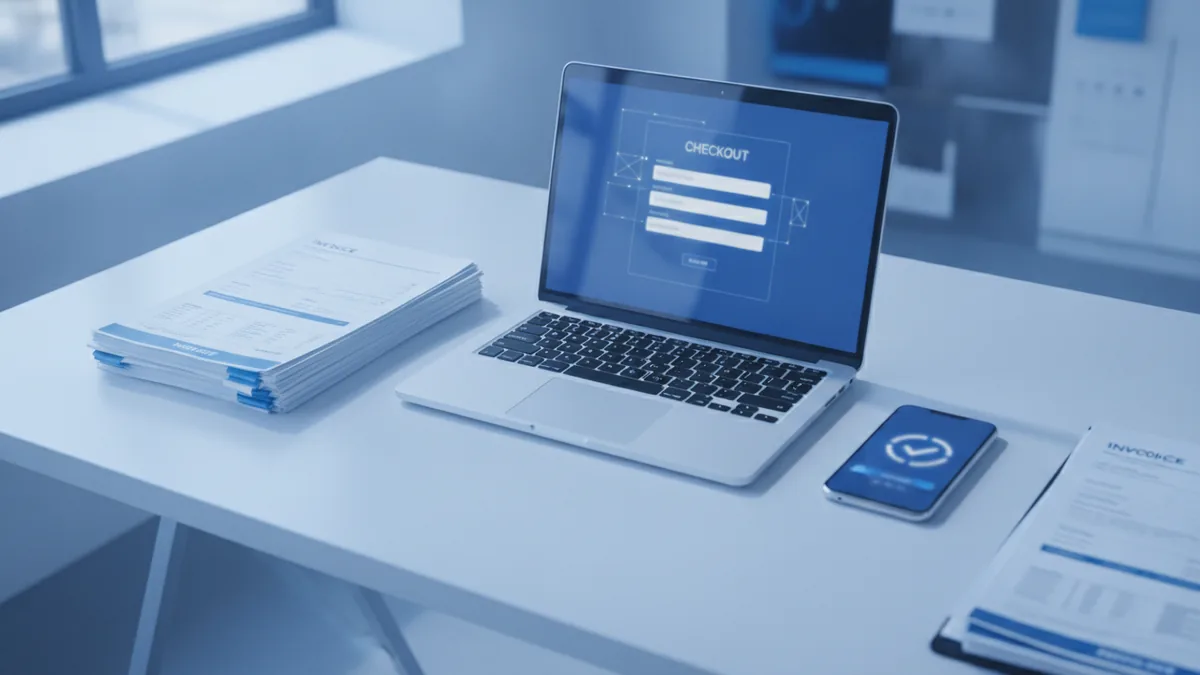
How different payment systems work and fit different sales channels
Payment systems are not a single tool. They are a set of parts that move money and data.
Your customer pays you. Then banks and card networks approve it. Then funds reach your account.
Small firms often mix parts like payment gateway, merchant account, and payment processor. This helps match online and in-store needs.
When you know each role, you can spot missing features early. You also avoid odd fees.
| Part | What it does | Where you feel it |
|---|---|---|
| Payment gateway | Sends card data securely to the payment network | Checkout pages and payment links |
| Merchant account | Lets your business receive card settlement | Often bundled by a PSP |
| Payment processor | Runs the approval and settlement steps | Behind the scenes for PSPs and gateways |
Many small teams pick a PSP. A PSP is a payment service provider that bundles key parts.
PSPs can cut setup time. They also centralize reports and support.
Square and Stripe are well-known PSP examples. Your best fit depends on your sales mix and tech comfort.

Common types of payment systems small businesses use
People ask about credit card payment systems for small business. They usually mean full card acceptance.
You can get that using different payment system types. Each type suits a different setup.
Your best choice often comes down to setup time, fees, and help when things break.
Here are common types you will see in small business plans.
- PSP (all-in-one) payments: Gateway and account services in one place
- Traditional merchant account: You use a bank-backed account plus extra parts
- Gateway only: You connect a gateway to your own processor setup
- POS-integrated card payments: Card use built into your POS workflow
- Mobile acceptance: Mobile payment systems for small businesses with a reader or app
Online payment systems for small business also differ in checkout style.
Hosted checkout pages move work to the provider. This helps you launch quicker.
API checkout lets you build a custom flow. This can improve the customer experience if you have dev time.
For e-commerce transactions, you should check supported payment methods. Cards alone may miss sales.
Digital wallets can cut steps for buyers. They often help on phones where typing is slow.
For in-store sales, your payment needs may differ from your online needs. POS tools and terminals matter more than website plugins.

Key benefits of payment processing for cash flow and customer experience
Good payment processing helps beyond taking payments. It lowers failure rates and speeds up paydays.
When approval is smooth, you see fewer declined sales. That protects revenue week to week.
It also improves customer experience. Fewer errors at checkout mean fewer angry support chats.
Many systems also reduce admin work. They help with refunds, receipts, and status updates.
That means your team can focus on orders, not spreadsheets.
- Faster cash flow: Fewer failed payments mean fewer delays
- Higher approval rates: Better routing can reduce declines
- Less admin: Automated reports and refund tools
- Better security: Safer data handling reduces risk
Security matters because payment data is sensitive. Many systems use token handling to reduce exposure.
If you run subscriptions, reliability is key. Missed renewals hurt predictable income.
Some providers handle retries and timing rules. This can lower churn from billing hiccups.

Challenges small businesses face with payment systems
Even strong providers do not remove all pain. Small businesses face common issues around fees, risk, and tech.
First, payment processing fees can be complex. You may see a base fee plus a card rate.
Some plans also charge extra for refunds and disputes. Always confirm the full cost picture.
Second, fraud risk can rise with online sales. Card-not-present payments are common in scams.
Fraud can lead to chargebacks. A chargeback is a buyer dispute that can cost extra money.
Third, technical reliability matters. If your checkout breaks, sales drop fast.
You want clear uptime history and quick support. You also want tools to track payment errors.
- Fees: Get the full breakdown by payment method
- Fraud: Use built-in checks and review alert rules
- Reliability: Check support speed and monitoring tools
- International use: Confirm cross-border options and local methods
Finally, support for international transactions can limit growth. Global buyers may need local card rules or wallet options.
Before you expand, verify currency payout and bank timing. This helps you plan margins.
How to choose the right payment system for your business
The best payment systems for small business fit your channels and your team limits.
Match your choice to how you sell today and how you will sell later.
Then compare options by fees, setup steps, and support quality.
Use this framework to choose with clear trade-offs.
| What to check | What to ask | Why it matters |
|---|---|---|
| Fees | Rates, fixed costs, refund fees, and dispute costs | Margin control and clear budgets |
| Setup ease | Hosted checkout or API, POS setup, and plugin fit | Faster launch and fewer build hours |
| Support | Response times and help for refunds and disputes | Less downtime during payment issues |
| Security tools | Token handling, fraud rules, and dispute views | Lower risk and stronger transaction security |
| Scale | Growth limits, new methods, more locations | Fewer swaps when you grow |
Match the system to the payment lifecycle
Every payment processing cycle has the same core stages. First is transaction initiation.
Next is authorization. Authorization asks whether the payment can go through.
Then comes settlement. Settlement moves money to your merchant account on a payout schedule.
So check each stage in your provider’s tools. This is where surprises hide.
For initiation, look for checkout speed and working payment methods.
For authorization, review decline reason details and routing rules.
For settlement, confirm payout timing and how holds work.
Plan for growth, not only launch
Many teams pick a system that is fine for month one. Then growth brings new needs.
You may add online payment systems for small business or more POS (Point of Sale) lanes.
Pick a provider that can expand your reporting and rule tools as volume rises.
Also think about your product type. Some goods see more disputes and higher scrutiny.
If you expect chargebacks, confirm clear dispute steps and evidence tools.
For subscriptions, confirm recurring billing support before you sign up.
Then run a real test. Run at least one success and one refund to verify flow.
When the workflow feels stable, you can scale with more confidence.
Conclusion and practical recommendations
Payment systems for small business are best seen as connected parts. You need a gateway, a merchant account setup, and a processor.
When those parts run well, you reduce failed payments. You also protect data and help cash flow.
To choose your best fit, start with where you sell. For online, compare online payment systems for small business by checkout and methods.
For in-store, compare POS links and mobile options. For credit card payment systems for small business, check pricing and disputes.
Finally, test with real transactions. Then review reports for clarity. Also test support response during a short trial.
Frequently asked questions
What are payment systems for small business?
Payment systems are the tools and services that let you take customer payments and receive funds. They often include a gateway, a merchant account, and a payment processor.
What is the difference between a payment gateway, merchant account, and payment processor?
A payment gateway sends payment data safely to the payment network. A merchant account supports settlement to your business. A payment processor runs approval and settlement steps.
How does the payment processing cycle work?
First, a customer starts the payment at checkout or the register. Next, authorization checks the payment request. Then settlement moves funds to your account later.
What are common challenges with credit card payment systems for small business?
Small businesses often face payment processing fees and setup work. They also need to manage fraud risk and chargebacks. Finally, support for international transactions can be limited.
How do I choose the best payment systems for small business?
Compare fees, setup time, and the quality of customer support. Also check security tools, dispute help, and how well the system scales with growth.
Do online payment systems for small business work for in-store sales too?
Not usually by default. Online setups focus on e-commerce transactions and checkout flows. In-store sales typically need POS integration and card readers.