Best Payment System for Small Business — Cost, Speed, Support
What payment systems do for small businesses
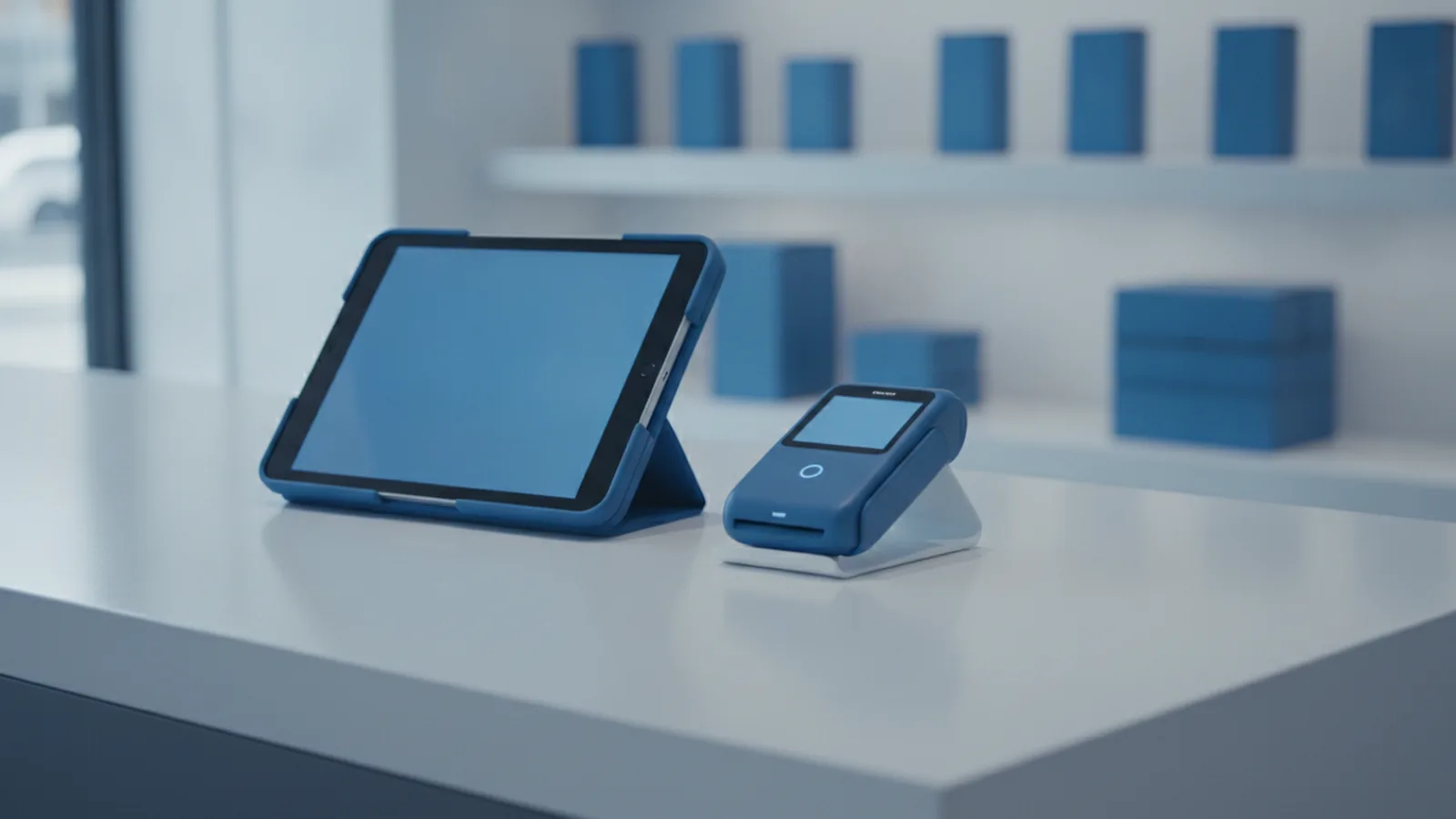
A payment system for small business helps customers pay you and helps you get paid. It links customer payment choices to your bank payouts. It also tracks approvals, refunds, and payment status.
For small teams, cash flow is the real win. Delays can slow buying and hurt payroll timing. A smooth system can also boost customer experience by reducing checkout failures.
Good payments feel fast and steady. They support more payment types and fewer sudden blocks. They also help teams scale online sales without extra busywork.

Payment processing solutions: merchant accounts vs PSPs
Most owners pick between two models. Those are Merchant Account Providers and Payment Service Providers, or PSPs. They both move money, but the setup style differs.
A merchant account model often uses a dedicated merchant account. You still use a gateway and a payment processor. You may get more control over risk tools and payout rules.
A PSP model bundles services into one platform. You often onboard faster with less setup work. Many teams like it for recurring payments and simple refunds.
- Merchant account model: more setup steps, more control, often good for steady volume.
- PSP model: simpler start, bundled services, often best for new online sellers.
Neither model fits every shop. The best payment system for small business matches your channel mix and risk profile.
Core pieces of payment processing (and how they connect)
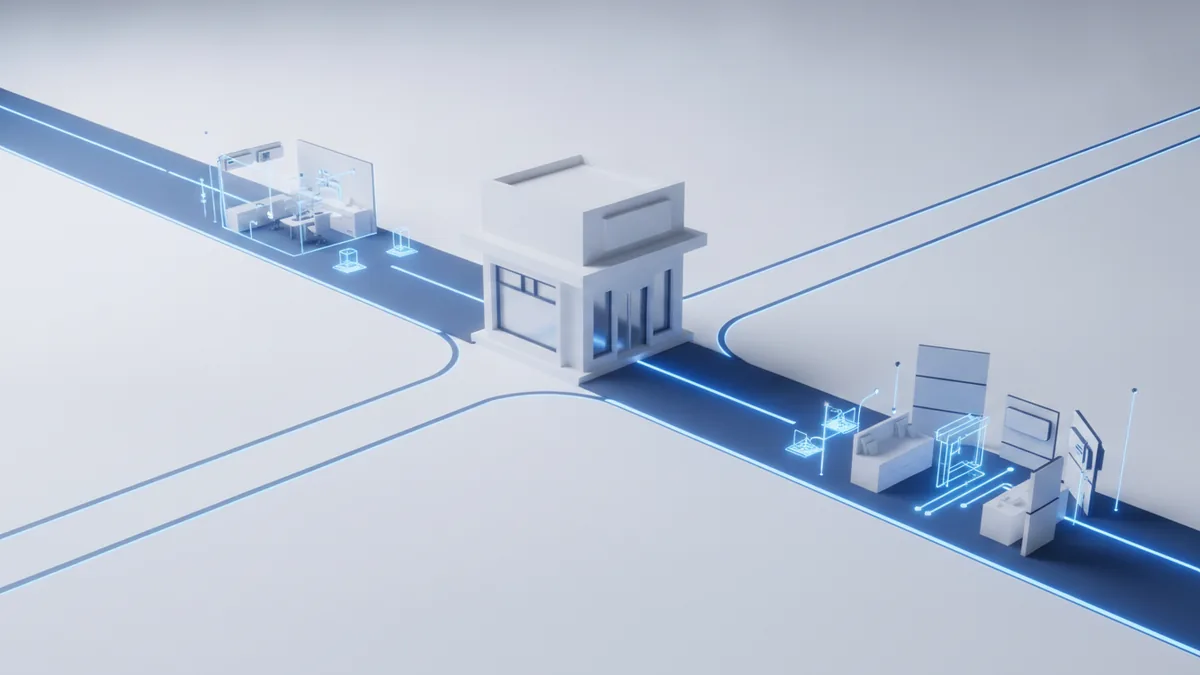
Payment stacks usually include three parts. These are payment gateway, merchant account, and payment processor. Each part has a clear job in the payment flow.
A payment gateway is the secure checkout link. It protects payment details and sends the request forward. It can also reduce errors at checkout.
A merchant account is the payout link for your business. It ties your shop to the bank side of card buying. Approved funds later settle into your account.
A payment processor handles the card network steps. It sends an approval ask and receives the result. It also helps manage refunds and disputes.
| Part | Job | What you notice |
|---|---|---|
| Payment gateway | Routes checkout requests safely | Fewer failed checkouts and quick tries |
| Merchant account | Links you to payout settlement | Payout timing and rules clarity |
| Payment processor | Runs approval and payment flow | Approval rate and refund flow |
Ask how these parts are managed in your plan. Some “all-in-one” offers still have limits and rules.

Why a robust payment system improves results
The best online payment system for small business does more than take cards. It helps payments go through fast and keeps money moving. It also supports more ways to pay.
Faster approvals help conversion rates. When approval is quick, fewer buyers quit. This supports a better customer experience at the key moment.
More payment options can widen your buyer pool. Many shoppers want mobile payments or digital wallet options. You can also enable recurring payments for services.
Security reduces loss from fraud attempts. Good plans also help with PCI compliance duties. They often include risk checks that block bad buys.
- Faster payments: less wait time and fewer checkout breaks.
- Better cash flow: steadier payout timing and fewer holds.
- More payment types: cards, mobile payments, and wallets.
- Fraud prevention: risk checks that cut fraud and chargebacks.
As sales grow, reporting and automation also save time. You can use data analytics to spot what boosts results.

Common challenges small businesses run into
Small businesses often face four big pain areas. These are fees, fraud risk, tech setup, and rule needs. Each one can hit your sales and margin.
Transaction fees can feel small at first. Then they rise with more volume or extra payment types. Refunds can also carry added costs.
Security risks show up as chargebacks and account holds. If fraud tools are weak, you may see more declines. You can also lose time to disputes and follow-ups.
Tech issues can break your flow. A bad link between your store and payments causes failed status updates. That leads to angry customers and extra support work.
- Transaction fees: per sale fees plus refund and dispute costs.
- Security risks: fraud attempts and higher chargeback odds.
- Tech challenges: weak links, broken alerts, and sync gaps.
- Rule needs: PCI compliance scope and setup duties.
Plan for these risks before you sign. Your setup steps should reduce surprises later.
How to choose the right payment provider
Start with your needs, not the price banner. List your sales channels. Then list your must-have payment types.
Next compare total costs with your real monthly numbers. Include transaction fees, monthly platform fees, and refund costs. Also check if certain buyers trigger extra review steps.
Integration quality matters for speed and automation. If you use a shop site, you need clear API steps. You also need reliable webhooks for payment updates.
Support quality is part of the deal too. Payment events can fail even with good setup. Quick help can cut down downtime and lost orders.
| Choice area | What to ask | Why it matters |
|---|---|---|
| Your needs | What channels and payment types are supported? | Stops gaps in your checkout flow |
| Costs | How are fees set for refunds and disputes? | Protects your margins |
| Integration | Do you offer clean API and alert webhooks? | Enables an automated payment system |
| Support | What is the response time for incidents? | Limits sales loss |
Finally, check your reporting. Look for data analytics on approvals, declines, and method use. This helps you tune your checkout over time.
Best practices to keep payments smooth and secure
After launch, focus on clean operations. Train staff on how to handle failed payments and refunds. Clear steps prevent mistakes and cut rework.
Security must be active, not a one-time task. Know your shared duty for PCI compliance. Follow the setup rules your provider gives you.
Next, tune your checkout path. Use clear error messages and test payment methods. Make sure retries and status changes work right.
If you run recurring payments, test billing cycles early. Confirm that invoices and receipts match the payment status. Also confirm mobile payment flows if you sell on mobile.
- Train staff: run short drills for refunds and failed payments.
- Stay on PCI scope: update settings and check your provider rules.
- Test checkout often: test cards, wallets, and mobile payments.
- Automate order updates: sync payment status so teams stay in sync.
- Track key metrics: watch approvals, refunds, and chargebacks.
These habits help your payment setup stay the best fit. They also support business scalability as sales rise.
FAQ: payment systems for small businesses
What is a payment system for small business?
A payment system is the tools that help customers pay you. It also routes funds to your business bank account. It tracks status, refunds, and payout events.
Is a merchant account provider better than a PSP?
It depends on your needs. A merchant account model can offer more control. A PSP can speed up onboarding and bundle the setup.
What are payment gateways and payment processors?
A payment gateway is the safe link from checkout to the payment flow. A payment processor runs the approval steps with card networks. Together, they move a sale from start to finish.
How can I reduce transaction fees?
Compare fees for your payment types and your refund rate. Then improve approval rates by testing checkout and retry rules. That often lowers waste from failed attempts.
How does fraud prevention work?
Fraud prevention uses risk checks during each payment attempt. It can block risky buys or require extra steps. This lowers losses and chargebacks.
Do I need to manage PCI compliance myself?
Your setup defines what you must handle. Many providers reduce your duty by design. Still, you must follow their security steps and config rules.
What is an automated payment system for small business?
It links payments to orders, invoices, and refunds with less manual work. It often uses alerts so systems update status fast. It also helps with recurring billing.
Frequently asked questions
What should a small business look for in a payment system?
Focus on supported channels, payment methods, integration quality, and total fees. Also confirm fraud tools and how support handles outages.
What is the difference between a merchant account and a PSP?
A merchant account model often involves separate acquiring relationships. A PSP bundles services into one platform for simpler onboarding.
Do I need a payment gateway for online payments?
Most online checkouts need a gateway to securely route payment requests. Many PSPs include a gateway as part of the service.
How can I improve approval rates and reduce failed payments?
Test payment methods, keep checkout simple, and review decline reasons in reporting. Also check if routing and retries are configured correctly.
How does PCI compliance affect small businesses?
PCI scope depends on your setup. Providers usually handle parts, but you still must follow required security settings and configurations.
What is an automated payment system for small business?
It connects payments to orders, invoices, and refunds with fewer manual steps. It often includes webhooks, status updates, and recurring billing support.