Payment Posting Process in Medical Billing: Steps, Docs, and Best

Understanding payment posting in medical billing
The payment posting process in medical billing records payer and patient payments in your billing system. It also applies those amounts to the right claim and service line. This keeps patient balances and claim states up to date.
In practice, payment posting is part of claims processing and financial management in healthcare. It helps you see what is paid, what is adjusted, and what needs follow-up. Without good posting, the same claim can look open for weeks.
For revenue cycle management, posting is the reconciliation step that turns remits into real balances. It also supports denial management when remits include partial denials. Fast, clean posting reduces rework and helps cash tracking.
- Goal: apply each payment to the right claim and patient account.
- Result: clear balances and correct claim statuses.
- Value: better follow-up and fewer posting surprises.

Steps in the medical billing payment posting process
The medical billing payment posting process follows a clear order. First you find the remit data. Then you match it to a claim. After that, you post and reconcile.
Use a daily flow so exceptions do not pile up. Start with the batch totals you received from the payer. Then verify what your system expects before you post.
- Get the remit: pull the EOB or ERA file for the payment batch.
- Confirm the payer and date: check the remit batch date matches your run window.
- Match to claims: use claim number, patient ID, and service dates.
- Check totals: compare expected paid and patient amounts to the remit summary.
- Post payments: apply payer payment, patient payment, and allowed adjustments.
- Update claim status: mark paid, partial, denied, or needs review.
- Reconcile: compare remittance totals to your posting totals by payer.
- Log issues: record mismatches so a person can fix them fast.
Here is a common example. A remit lists two service dates under one claim. Your system finds the claim, but the patient due amount differs. You re-check the adjustment reason and re-post the right line.
That is why validation matters. It prevents wrong balances that later hit collections. Quick checks keep your accounts receivable tracking clean.

Important documents used for payment posting
Payment posting relies on documents that explain how the payer processed each claim. The two main sources are Explanation of Benefits and Electronic Remittance Advice. EOBs often arrive as a PDF or web view.
Electronic Remittance Advice is a machine-friendly file. It includes claim links, paid amounts, and reason codes. That structure supports faster, more accurate posting in most systems.
You also need patient payment data. This can come from a portal, a lockbox, or a manual receipt. Patient posting must match the right visit and the right balance type.
| Document | Typical source | What you post from it |
|---|---|---|
| EOB | Payer portal or clearinghouse | Paid amount, patient due, adjustment reasons |
| ERA | Electronic payer feed | Line-level payment and adjustment data |
| Patient remit | Portal, lockbox, or check info | Co-pay, coinsurance, and deductible amounts |
| System reports | Your billing software | Totals by payer and exception lists |
Many teams keep a payment posting process in medical billing pdf as an internal SOP. It should show where files go and how names are set. It should also cover how to handle missing claim matches. That way, training stays consistent.
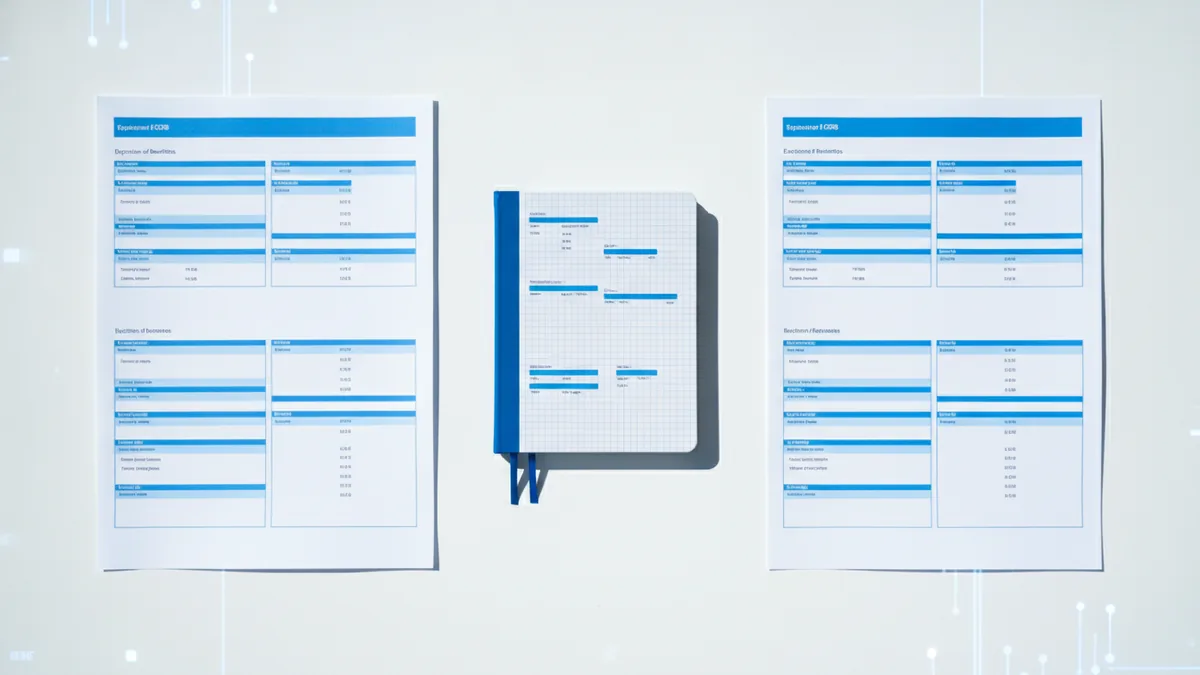
Manual vs. electronic payment posting
Manual payment posting uses staff to type values into the billing system. This can work when remits arrive as EOB PDFs or paper. It also helps when only a few payers send data electronically.
Manual posting has a clear risk. A single wrong digit can stop a match to the claim. That leads to wrong balances and extra work later. Slow batches can also create backlog.
Electronic payment posting uses ERA data to automate many steps. It can auto-match claims and map amounts to the right lines. It also speeds up reconciliation because totals are built into the batch.
- Manual: more typing, more checks, more errors if care slips.
- Electronic: faster matching, more stable results, fewer re-posts.
- Hybrid: most teams post some exceptions by hand.
A good workflow keeps humans focused on exceptions. It does not require staff to re-enter every line from every remit. That improves speed and reduces mistakes.

Common challenges in the payment posting process
Teams often hit the same issues during the payment posting process. Many problems come from mismatch data. Others come from denials and partial payments within the same remit.
Data entry errors are a top cause. Wrong claim ID or wrong service date can prevent posting. Even when posting happens, a wrong reason code can change the patient due amount.
Another issue is claim denial. Some denials appear as adjusted lines inside the same remit. If staff treat them like simple payments, follow-up work can stall. That pushes aged balances into month end.
Coordination also matters. Coding changes affect how claims get paid. If posting rules are not updated, the system repeats the same exceptions. That creates the same cleanup work again and again.
- Bad match: claim ID or member ID does not line up.
- Wrong codes: posting uses the wrong adjustment reason.
- Partial pay: payer pays some lines and denies others.
- Denials inside remits: the batch mixes paid and denied lines.
- Team handoffs: coding and posting do not share updates.
These problems also shape medical billing payment posting jobs. Many roles ask for strong attention and quick exception fixes. That is because clean posting protects cash and reports.
Best practices to improve medical billing payment posting
Best practices focus on timing, code quality, and steady checks. The first step is daily posting. Daily work keeps patient balances fresh and reduces end-of-month stress.
Use standardized codes and rules. When staff and the system use the same code set, matching improves. It also makes reconciliation easier. Less variation means fewer surprises.
Do continual reconciliation. Compare remit totals to posted totals by payer. Then check totals by claim batch. Any gap should become an exception that has an owner.
- Post daily: reduce backlog and keep balances current.
- Standardize codes: map adjustment reasons to your billing rules.
- Reconcile by batch: validate totals right after posting.
- Track exceptions: log the error and the fix path.
- Review denial trends: use patterns to improve claims processing.
- Train with SOPs: use clear examples for common remit cases.
Also protect the input side. Make sure claim IDs are correct before submission. Many posting issues come from earlier claim errors. Better inputs reduce manual work later.
Impact on revenue cycle management and patient accounts
Efficient payment posting supports revenue cycle management at every step. It updates insurance payment states and patient balances. It also keeps accounts receivable tracking aligned with reality.
Posting quality affects patient trust too. If balances are right after the remit, fewer calls follow. If balances are wrong, staff spend time explaining changes and correcting bills. That delays collections and increases admin load.
On the revenue side, good posting improves follow-up. Underpaid claims and denied lines become easier to spot. That helps denial management teams act sooner and more accurately.
It also improves reporting. You can track payer behavior, payment speed, and adjustment patterns. Then leadership can use those insights for staffing and payer work plans.
- Faster follow-up: fewer open items at month end.
- Cleaner AR: less rework and fewer aged balance surprises.
- Better cash view: posted totals match what payers sent.
- Better patient bills: balances reflect remit outcomes.
FAQ: payment posting in medical billing
Note: These answers cover common posting questions teams ask.
- What is payment posting in medical billing? It is the workflow that records insurance and patient payments in your billing system. It applies each amount to the right claim and balance.
- What documents are needed for payment posting? Most teams use an EOB and an ERA. Patient payment records also matter for co-pays and deductibles.
- What is the difference between manual and electronic posting? Manual posting needs staff to enter remit data by hand. Electronic posting uses ERA data to match claims and post faster.
- Why do payment posting errors happen? They often come from wrong claim IDs, mismatched service dates, or wrong reason codes. Denials mixed into remits can also cause mis-posting.
- How often should a practice post payments? Many practices post daily. Daily posting keeps claim states current and cuts end-of-month cleanups.
- How does payment posting affect revenue cycle management? It shapes AR tracking, denial follow-up, and cash reporting. Accurate posting helps teams focus on the right accounts.
Frequently asked questions
What is the payment posting process in medical billing?
It is the workflow that records insurance payments and patient payments in the billing system. It applies amounts to the right claim and updates balances and claim states.
What documents are required for payment posting?
Most workflows use EOB and Electronic Remittance Advice. Patient payment details also matter for co-pays, coinsurance, and deductibles.
What is the difference between manual and electronic payment posting?
Manual posting needs staff to enter remit data by hand. Electronic posting uses ERA data to match claims and apply payments with fewer steps.
What causes common payment posting errors?
Errors often come from wrong claim IDs, mismatched service dates, or wrong adjustment reasons. Denials inside remits can also cause mis-posting.
How often should a practice post payments?
Many practices post daily to keep claim states and patient balances current. Daily posting also makes reconciliation faster and reduces end-of-month work.
How does payment posting affect revenue cycle management?
It affects accounts receivable tracking, denial follow-up, and cash visibility. Accurate posting helps teams focus on the right accounts.