Electronic Billing & Payment Solutions: What They Do and Why They Help
Electronic billing solutions explained in plain terms
Electronic billing & payment solutions let you send bills online and take payments electronically.
You avoid printing, mailing, and manual checks. An online billing and payment system also updates payment records.
Most billing and payment software links bill presentment with payment processing.
It shows invoices to customers, then records payment results for your team. That reduces work in accounts payable.
Many automated billing solutions also send payment receipts. They keep teams aligned during busy payment weeks.
Key features to look for in a payment system
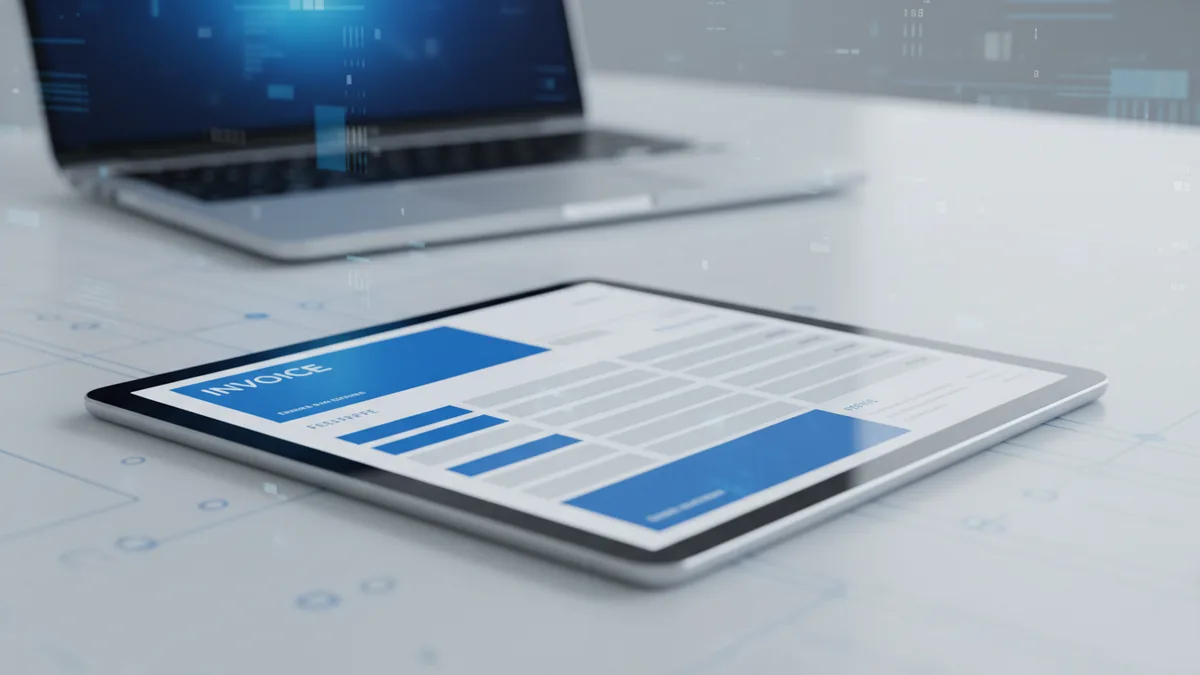
Start with bill presentment. A clear screen helps customers pay without confusion.
Next, check payment options. More choices can cut failed attempts and late pay days.
Common options include cards and bank transfers. Some systems also support wallet payments.
Look for reliable payment status tracking. Real updates help you answer customer questions fast.
Check how the tool handles errors. Failed payments need clear steps and quick retry paths.
- Bill presentment: invoices in a portal or email, with due dates.
- Payment options: cards, bank transfer, and optional wallet support.
- Payment status: clear updates per invoice and per payment attempt.
- Exception handling: flags for failed, late, or partial payments.
- Audit trails: logs that show what changed and when.

How electronic billing and payment solutions improve business performance
These tools speed up work across accounts payable. Fewer manual steps means faster invoice handling.
They also cut labor costs. Your team spends less time typing numbers and chasing paper trails.
Speed improves because data moves automatically between systems. Your staff focuses on exceptions instead of repeats.
Electronic billing also reduces costs from paper and mailing. It also cuts time spent filing and sorting invoices.
For a concrete example, think about 10,000 invoices monthly. If each invoice needs 8 minutes today, that is about 1,333 hours.
If you cut manual touches by 30%, you save about 400 hours. Those hours can move to vendor checks and payment review.
Customers also benefit from simpler pay steps. Fewer steps often means fewer missed payments.
Integration with existing workflows and financial systems
A good billing and payment system fits your setup. It should not force a full rebuild.
Most billing payment software connects through APIs or secure data links. That keeps invoice details consistent.
Ask how invoice edits flow through the system. Correct amounts should update the bill and the ledger.
Also check how payment results post back into finance tools. You want one set of records, not two.
Role-based workflows help too. Pay teams need approvals, while leaders need quick views.
Customers need a simple path to pay and get receipts. That supports consumer convenience without extra support work.
- Send invoice data: pull bill data from your ERP or invoice tools.
- Route approvals: move invoices to the right approver with clear status.
- Deliver bills: use the online billing and payment system to present invoices.
- Take payment: collect funds using your chosen payment options.
- Post results: sync payment outcomes back to your accounting records.
- Manage failures: flag issues for review and track actions taken.
Security and compliance considerations you cannot ignore
Payment systems must protect transaction security. That means safe handling of card data and account data.
Many buyers require PCI certification. PCI is the Payment Card Industry standard for card safety.
If a vendor stores card data, it must follow PCI rules. If it does not, it still must protect data flow.
Encryption matters. It helps guard data while it moves and while it stays stored.
Access control also matters. Only the right roles should view payment tools and invoice details.
Fraud tools should run in the background. They can flag risky payment tries before money moves.
Good platforms also provide logs and clear reports. Those logs support audits and fast issue checks.
Current trends in electronic payments and billing
Mobile payments keep growing. Customers want to pay from a phone with fewer steps.
That trend pushes payment systems to work well on small screens. It also pushes faster retry flows for failed payments.
AI integration is another big trend. AI can spot odd patterns in payment attempts.
When AI flags risk, staff can review faster. That helps cut fraud while keeping good users moving.
Cloud-based solutions also keep expanding. They can scale with invoice volume without long installs.
Still, you should check uptime, data backup, and data export paths. You need control during audits and change events.
Bill reminders are also improving. Clear notes reduce “Where is my bill?” messages.
When the system updates status clearly, fewer support chats are needed. That saves your team time and stress.
Conclusion: what the future looks like for billing and payment
Electronic billing & payment solutions connect bill delivery to payment capture.
They can automate parts of accounts payable and reduce manual work.
Most teams gain speed, lower costs, and fewer data errors. They also gain better control over payment status.
Choose billing and payment software that supports your payment needs. It should also integrate with your finance tools.
Security should be a deal breaker. PCI certification support and strong controls matter for trust.
Looking ahead, mobile pay use and AI risk checks will grow. Those changes will make payment flows faster and safer.
Frequently asked questions
What are electronic billing & payment solutions?
They send bills online and collect money electronically. They also update payment records so finance teams work with one set of data.
How do automated billing solutions streamline accounts payable?
They reduce re-keying by moving invoice and payment data automatically. That helps match payments to bills with fewer mistakes.
What features should I expect from an online billing and payment system?
Expect bill presentment, payment status updates, and simple receipts. You should also see clear steps for failed or partial payments.
Do electronic billing systems integrate with existing financial software?
Yes, most billing and payment software can connect via APIs or secure data links. This keeps your ERP or accounting records consistent.
Why is PCI certification important for payment processing?
PCI certification helps ensure card payments follow required security rules. It lowers risk for both you and your customers.
What trends are shaping billing and payment services right now?
Mobile payment use is rising fast. AI is also being used to spot risky payment patterns earlier.